18
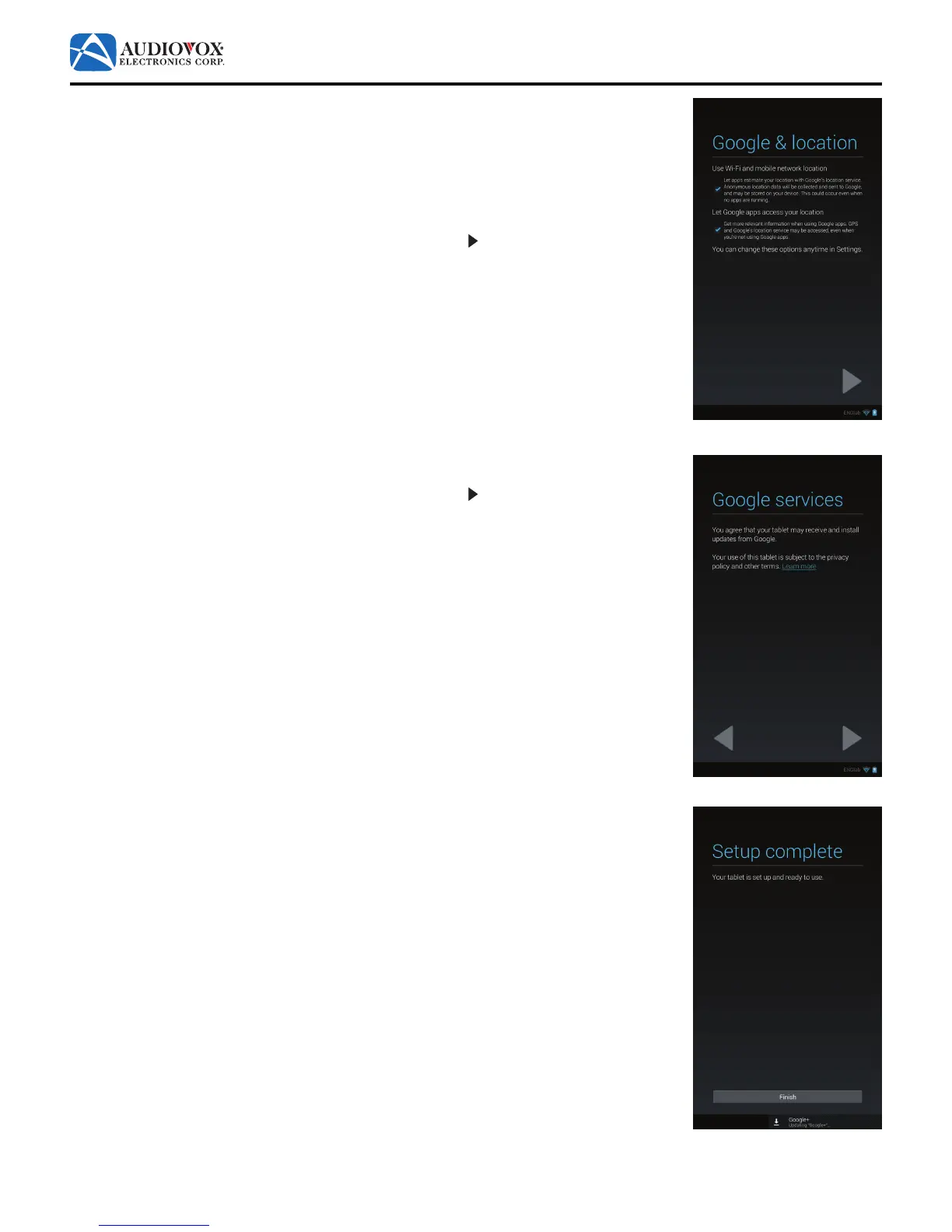
13. The Google & location screen appears.
To let apps estimate your location with Google’s location service, check the Use Wi-Fi and
mobile network location check box.
To get relevant information when using Google™ apps, check the Let Google Apps access
your location check box.
To proceed to the next screen in the initial setup, tap the button.
14. The Google services screen appears.
To proceed to the next screen in the initial setup, tap the button.
15. The Setup complete screen appears.
The tablet is set up and ready to use. Tap the Finish button.



 To Next Page