37
T752
Connecting to a High Denition TV (HDTV)
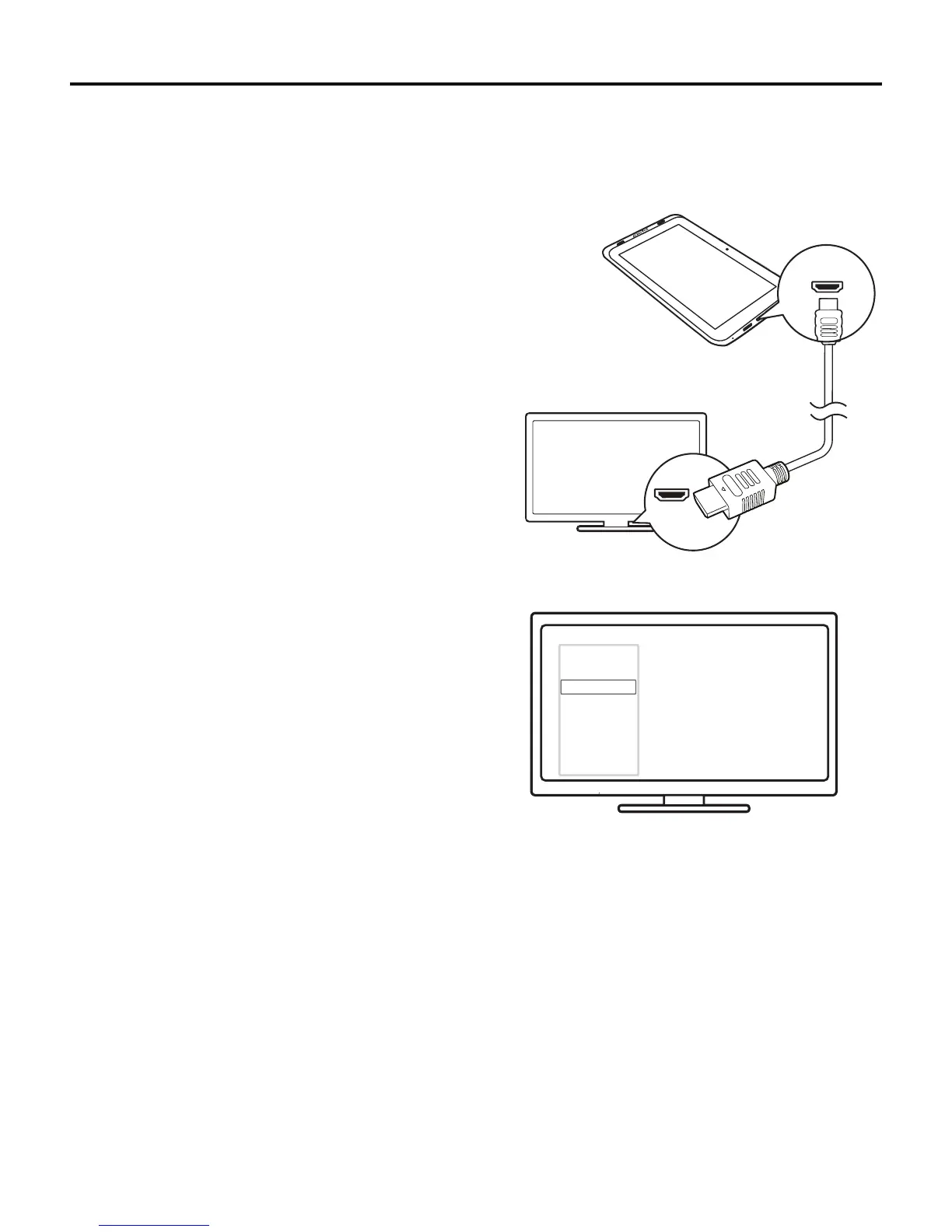
You can view photos or watch videos that play on the tablet on an HDTV.
To connect the tablet to an HDTV:
1. UseaMiniHDMI-to-HDMIcable(soldseparately)toconnect
the tablet to an HDTV.
2. Use the source button on the TV to choose the appropriate
HDMI input.
Note: By default, video will be displayed on both the tablet and
the HDTV. Some protected streaming video, such as
Netix, will only appear on the HDTV.
AV
HDMI 1
HDMI 2
HDMI 3
Side HDMI
Side AV
HDMI IN
Mini HDMI
AV
HDMI 1
HDMI 2
HDMI 3
Side HDMI
Side AV



 To Next Page