9
T752
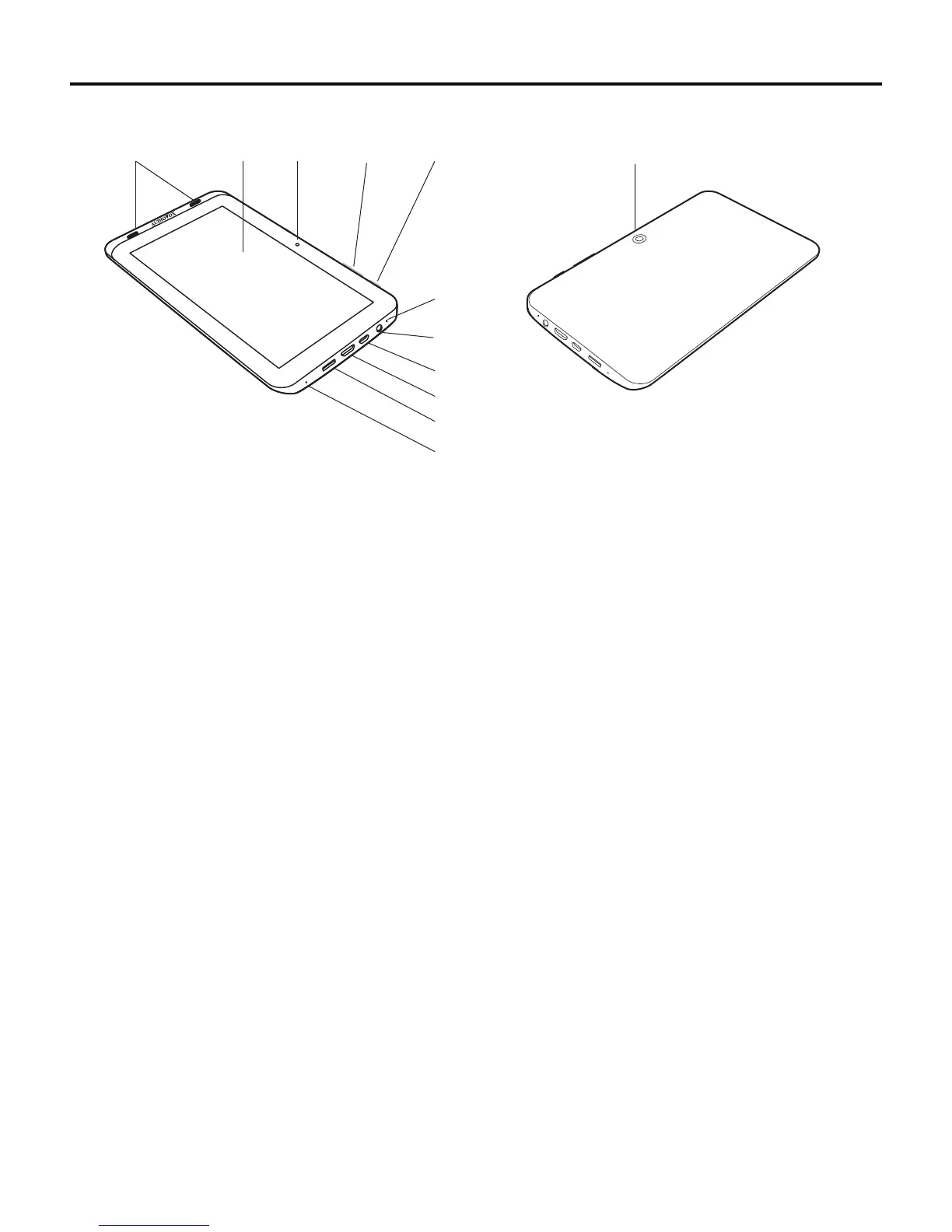
Controls and Features
1. Front Facing Speakers
2. Touch Screen
3. Front Facing Camera
4. Volume Control
•Press + to increase the volume.
•Press - to decrease the volume.
5. Power/Lock Button
•Pressandholdforthreesecondstopoweron/powerothetablet.
•Press for one second to lock/unlock the tablet.
6. Microphone
7. 3.5 mm Headphone Jack
When headphones are connected, no sound will be emitted from the speakers.
8. Mini USB connector for data transfer and power/charging.
9. Mini HDMI connector for audio/video output.
10. microSD™ Card Slot
Insert microSD™ card for external data storage.
11. Reset Button
If the tablet is locked up or unresponsive, insert a paperclip into the reset opening for three seconds.
12. Rear Facing Camera
Front View
Rear View
1
2 3
4
5
6
7
8
9
10
11
12



 To Next Page