26
Launching/Switching/Closing Apps
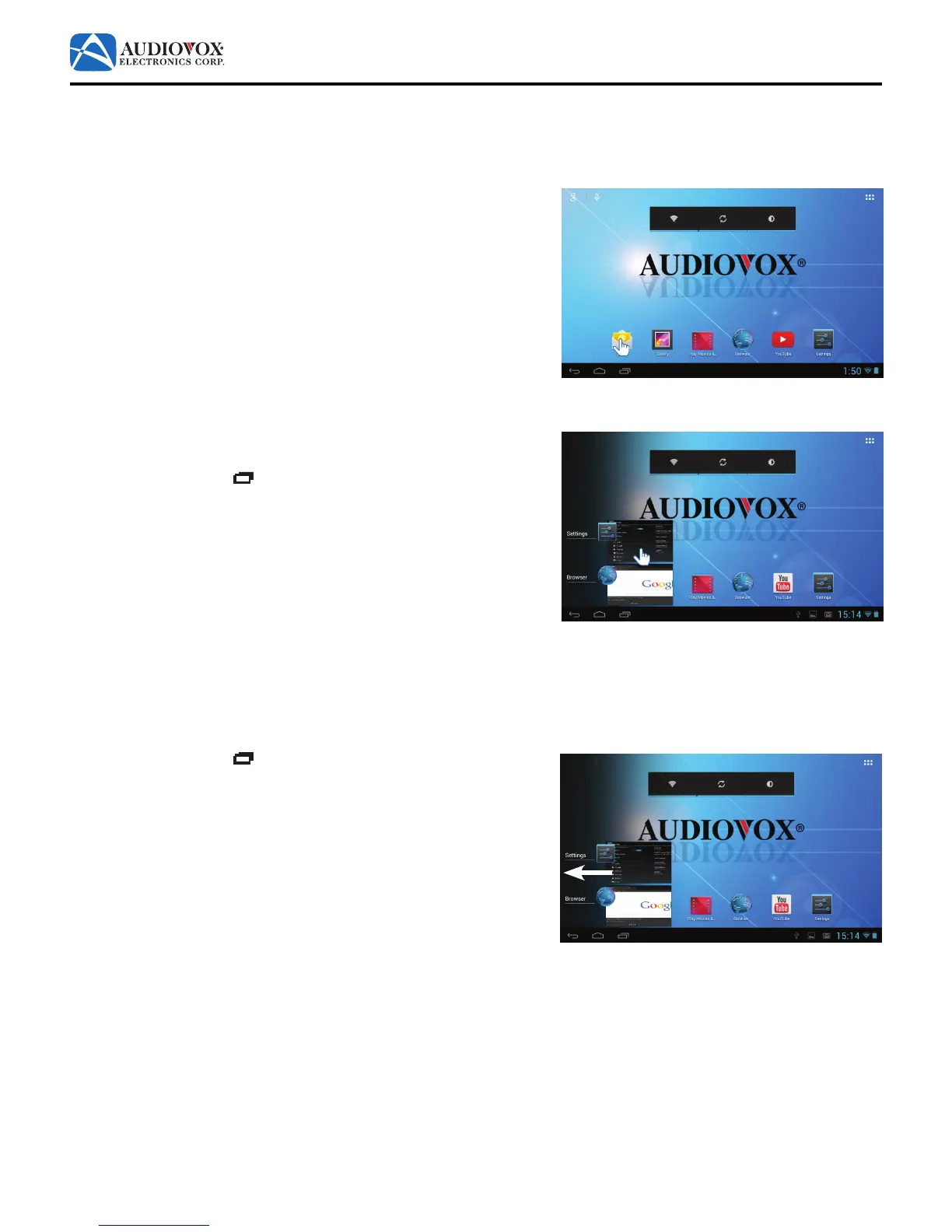
To launch an app:
1. Tap the desired app icon. The app opens.
To switch to another open app:
1. Tap the Recent Apps icon to view thumbnails of open apps. The
open app thumbnails appear on the left hand side of the screen.
2. To switch to a recently opened app, tap the app’s thumbnail.
To close an app:
1. Tap the Recent Apps icon to view thumbnails of open apps. The
open app thumbnails appear on the left hand side of the screen.
2. Touch and hold the app’s thumbnail and drag it towards the left edge
of the screen. The app closes.



 To Next Page