21
T752
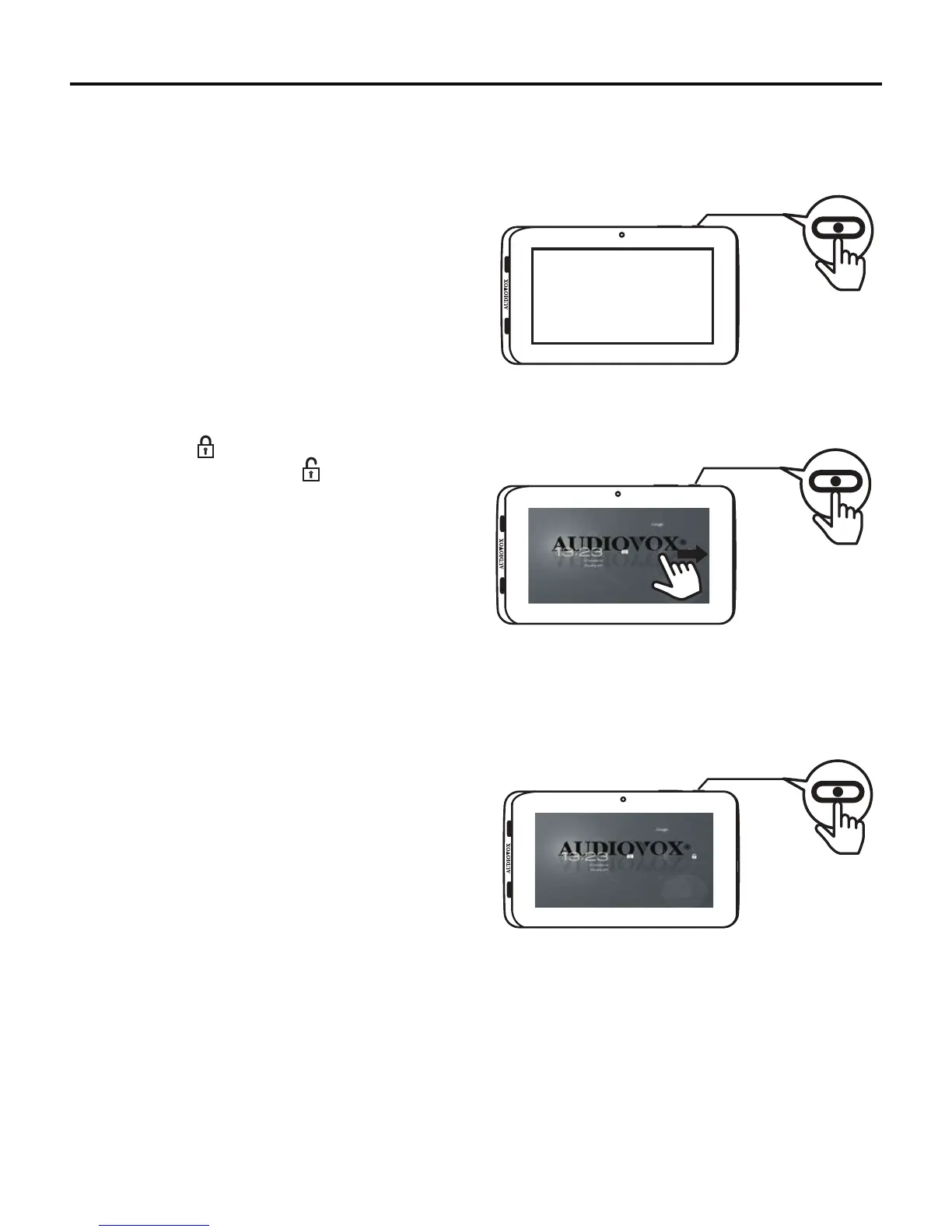
Unlocking or Locking the Tablet
To unlock the tablet:
1. Press the Power/Lock button for one second.
2. Touch the Lock icon on the Home screen, then swipe
yourngertowards the Unlock
icon.
Note: This is the default setting.
To lock the tablet:
Press the Power/Lock button for one second. The display turns
o,indicatingthetabletislocked.
32:(5
32:(5
32:(5



 To Next Page