35
T752
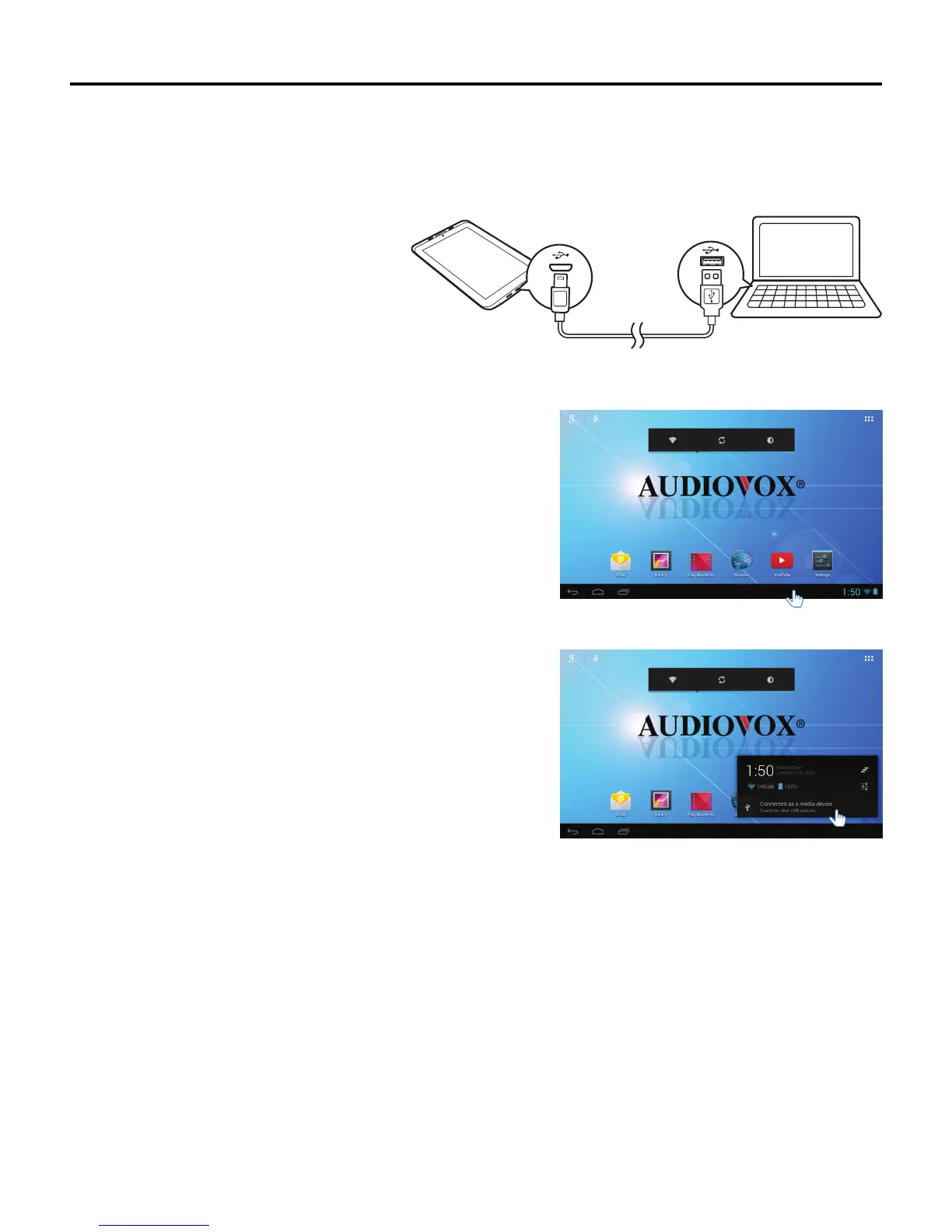
Connecting to a PC
YoucanconnectyourtablettoaPCtotransferlesbetweenthedevicesandchargethetablet.
To connect the tablet to a PC for the srt time:
1. Plug the mini-USB end of the USB cable into
the mini-USB port on the tablet, then plug the
other end of the cable into a USB port on a
PC.
Note: The rst time you connect your tablet
to a PC, the Found New Hardware
Wizard may appear on your PC. Click
the Cancel button to dismiss the
Wizard.
2. TaptheNoticationbar.
3. Tap Connected as a Media device.
Connected as a media devi ce



 To Next Page