36
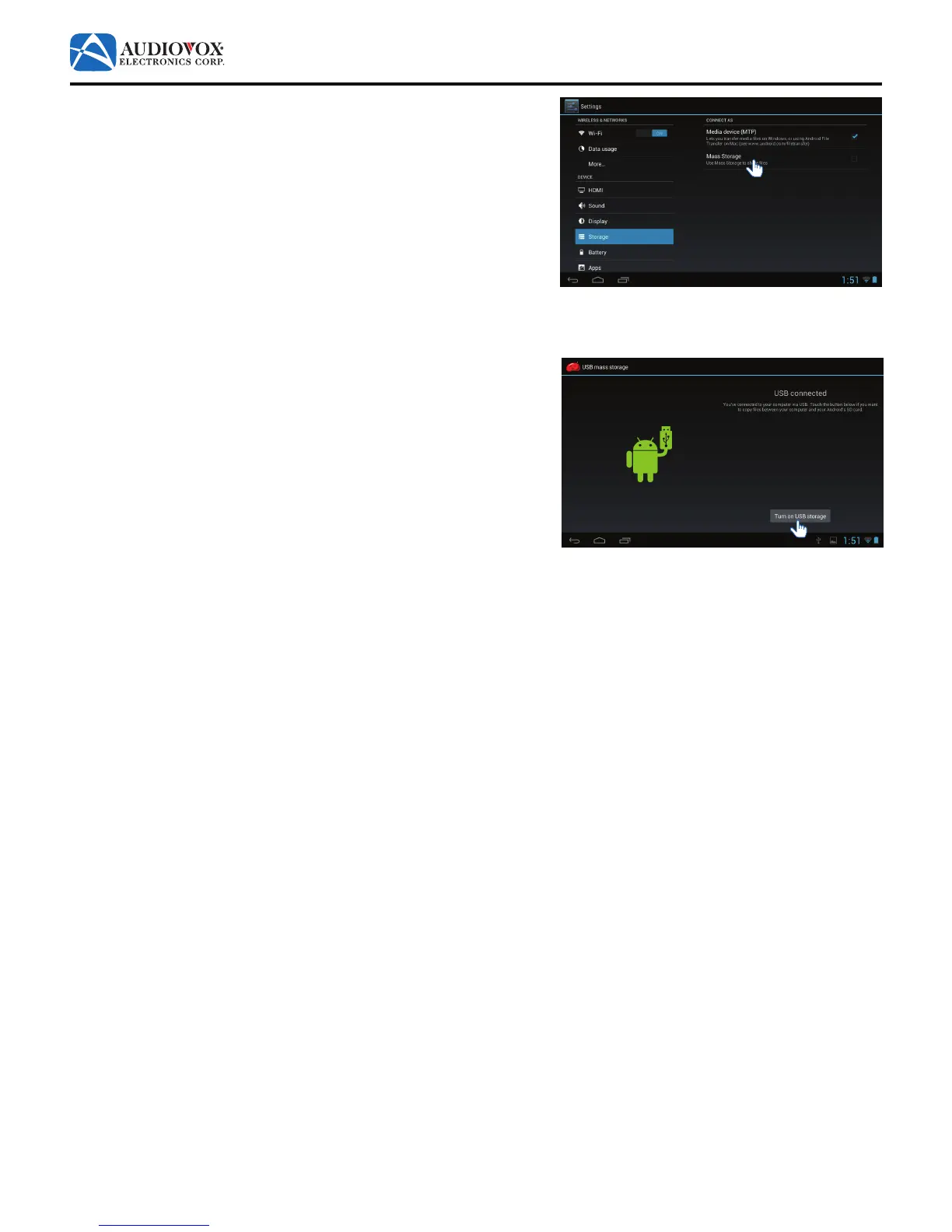
4. The Settings screen appears. Tap Mass Storage.
5. The USB connected screen appears. Tap the Turn on USB storage
button.
6. On your PC, follow the prompts to connect to your tablet. Use
WindowsExplorertodraganddroplesbetweenthedevices.
To disconnect the tablet from a PC:
1. On the tablet, tap the Turn o USB storage button.



 To Next Page