29
T752
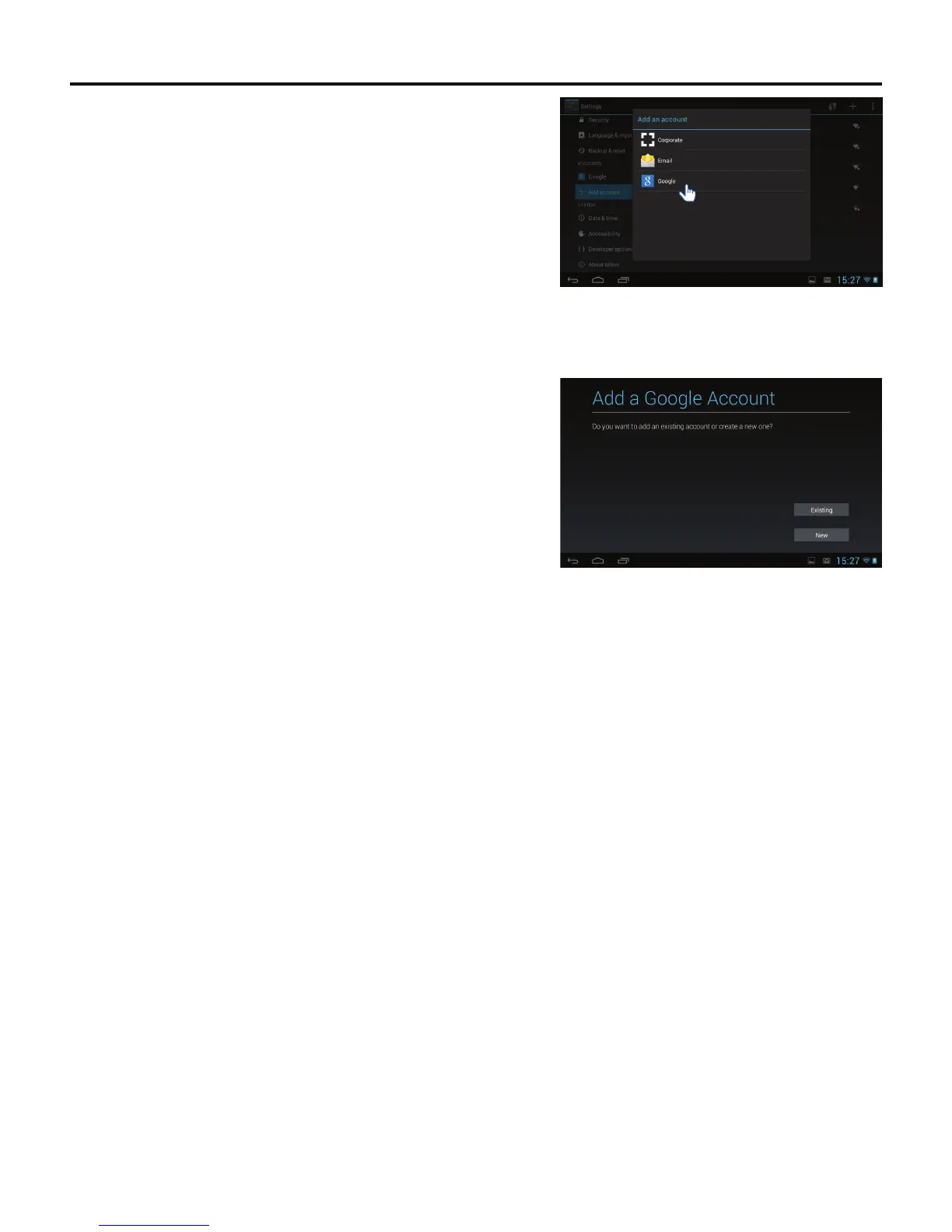
3. The Add an account pop-up message appears. Tap the Google icon.
4. The Add a Google Account screen appears. Tap the Existing or New
button.
Note: You may use an e-mail address from the following services:
• Gmail™
• Google Apps™
• Google Plus™
• YouTube™
• Adwords™
5. If Existing was selected, sign in using the e-mail address and password
you created for your Google™ account.
6. If New was selected, follow the on-screen prompts to create a new
Google™ account.



 To Next Page