4-EN
C. User interface and use of the display
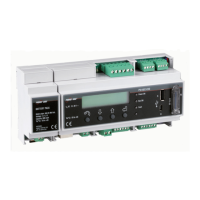
Thesystemfeaturesa2x16characterdisplay,fourbuttonsfornavigatingmenus,andthreeLEDstoindicatedevicestatus.
Usingthedisplayand thebuttonsonthe frontpanel itispossible toperformthe initialconfigurationofthe system(check
ofparameteracquisitionfrominverter,analoginputconfiguration,andconfigurationofLANnetworkparameters).
For displaying the detailed parameters of the inverters and/or of the string-combs, as well as for the advanced
configurationsitisnecessarytoaccesstheinternalwebserverfollowingtheproceduredescribedinparagraph“L”.
AlistoffunctionsaccessiblefromthedisplayisshowninthetableinAppendix3.
Accesstothemainmenu withadministratorprivileges
Toperformtheinitialconfigurationitisnecessarytoaccessthevariousdisplaymenusasadministrator.
Press the 'ENTER' key ( ) and insert password : To insert the password press the arrow keys ( ) to
change the value and the 'ENTER' key toconfirm thevalue. This passwordgives access to all the display setting sub-
menusofthesystem.
0010
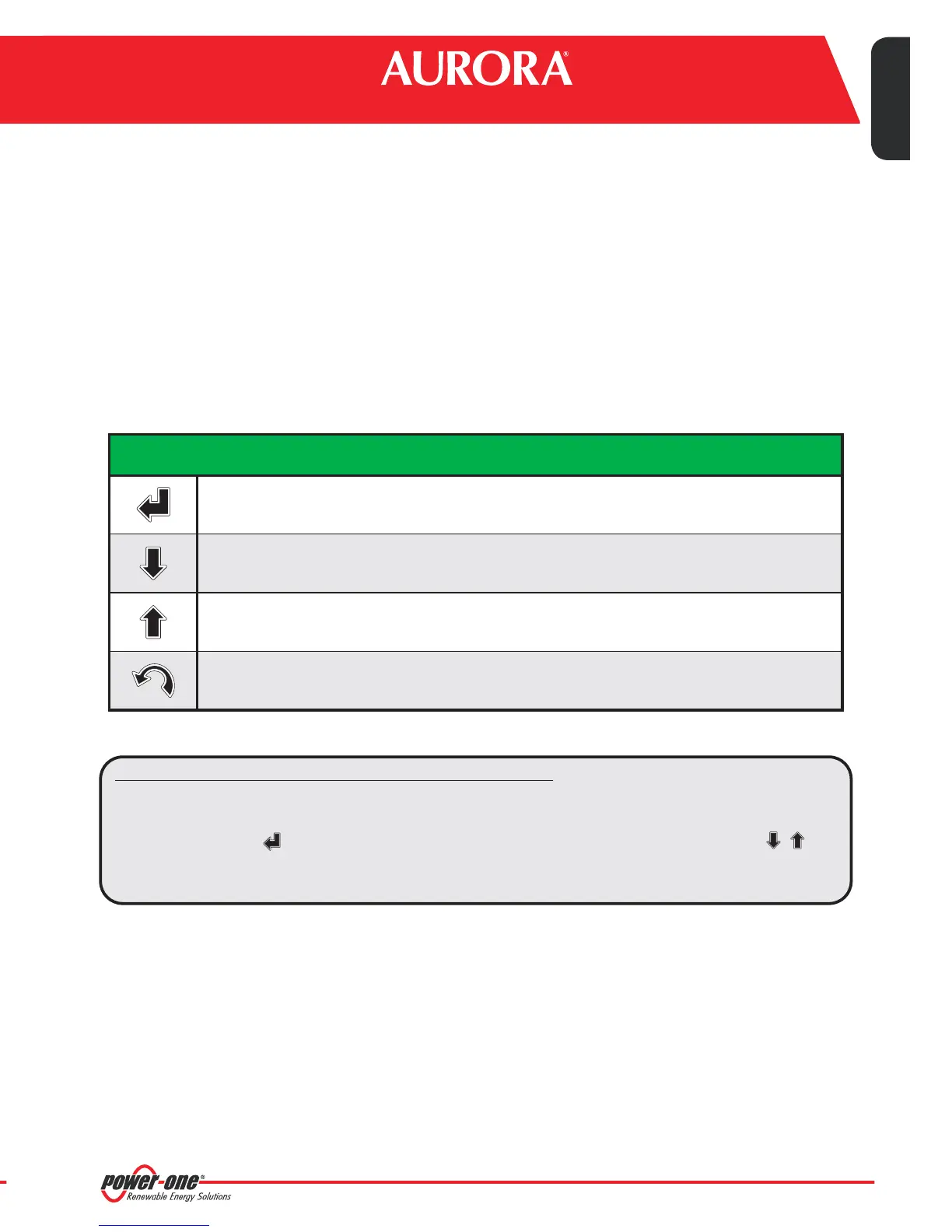
'Enter'button. Usedto confirman action,toaccess the mainmenu or the sub-menucorresponding to
theselectedentry(indicatedbythe>symbol),ortogotothenextdigittochange.
'Down' button. Used to scroll down through the menu items, or to scroll the numerical scale in
descendingorder.
'Up' button. Used to scroll up through the menu items,or to scroll the numerical scale in ascending
order.
'Esc'button. Usedtoreturntothepreviousmenuortoreturntothepreviousdigittochange.
USE OF BUTTONS
ippingcompany
ceofPower-One.
4
8 9
Monitoring System
EN - ENGLISH


 To Next Page