Note: To mak
to the
graph
i
essent
connec
PVI-AE
Inorder toallowth
(CONFIG) of the n
e
thereisthe IPaddre
Note: If the
abov
e
(ON-O
17-EN
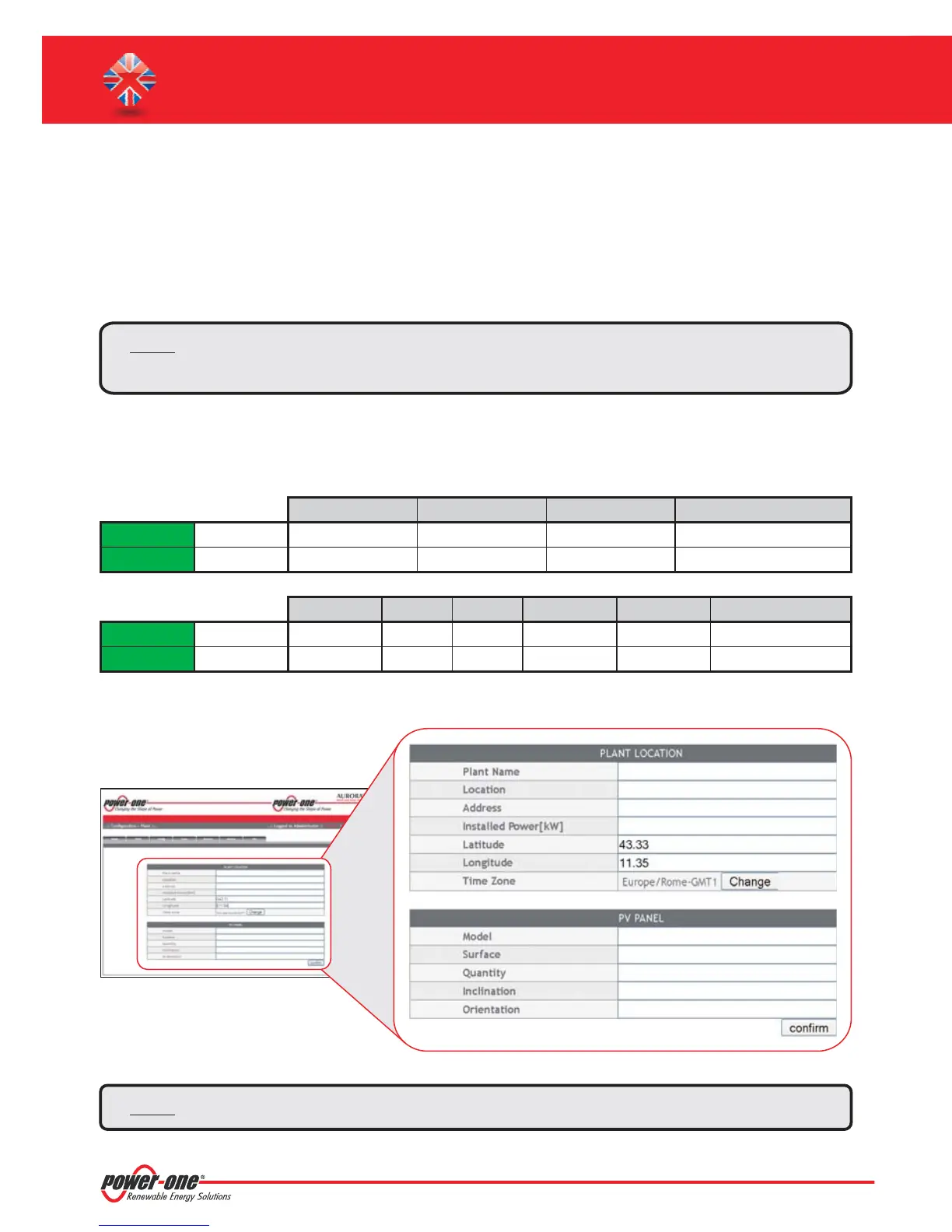
Latitude
Longitude
Latitude
Longitude
Indicator Degrees Point Degrees (Hundredths of degree)
Degrees Indicator
Minutes Quotation Mark Seconds Double quotation mark*
N43.33
E11.35
43N50’20”
11E23’30”
43
11
N
E
50
23
‘
‘
20
30
“
“
N43 . 33
E11. 35
*
The Double Quotation Mark ( ”) symbol must be inserted by entering twice the quotation mark(')symbol.
In order to access to the Webserver pages of the system, after having done the connection of the system to the local
network LAN or direct connection to the PC, open an internet browser (e.g. Internet Explorer) and type into the
addressbarthe followingaddress:
http://<system IP address>
After having done the access to the internal Webserver, go to the configuration page (CONFIG) of the system
(PLANT) andinsertthe installationGPS coordinatesaccordingtooneof thefollowingformats:
Note: TosettheGPSparameterismandatorytoassuretheproperworkingofmonitoringsystem.
PVI-AEC-EVO / PVI-AEC-EVO LIGHT
QUICK INSTALLATION GUIDE
L. Internal Webserver access
Note: Toaccessthewebserverpagesitisnecessarytoinsertausernameandapassword:
USERNAME: admin PASSWORD: admin


 To Next Page