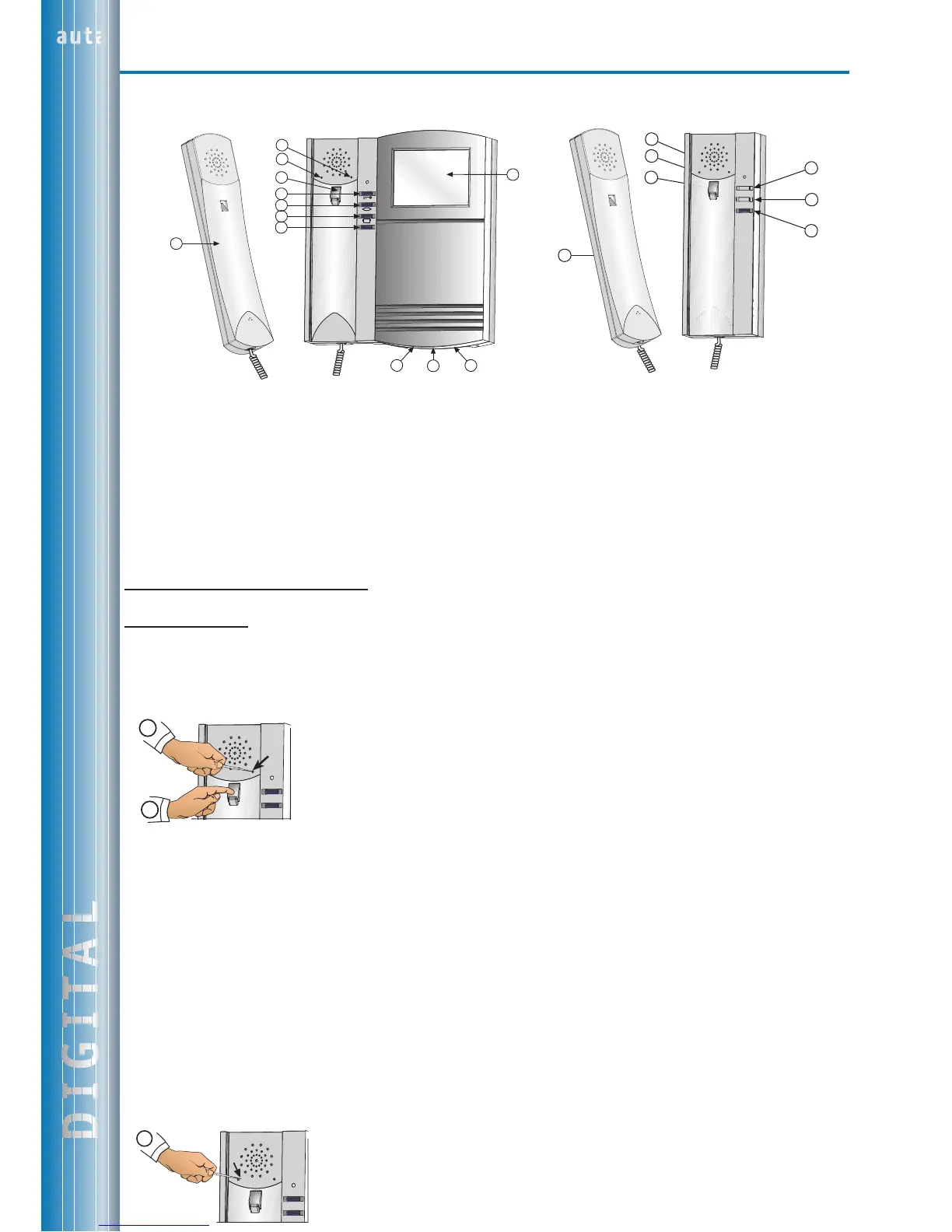
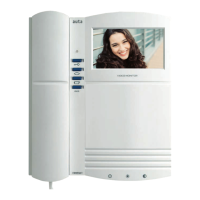
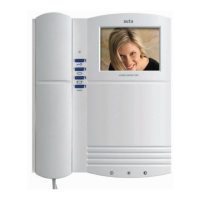
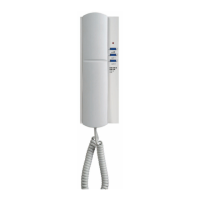
a Brazo telefónico/Phone handset
b Multitonos/Multitone
c Volumen llamada/Volume call
d Tecla de cuelgue/Hook switch
e Abrepuertas/Door opener
f Autoencendido/Self starting
g 2ª camara (SOLO FUNCIONA CON IMAGEN EN MONITOR)
2nd camera (ONLY WORKS WITH IMAGE AT MONITOR)
h Auxiliar/Auxiliary
i Encendido/On-Off
j Brillo/Brightness
k Contraste/Contrast
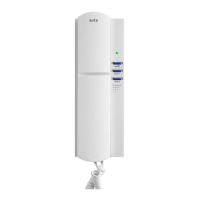
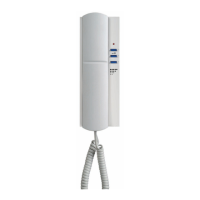
a Brazo telefónico/Phone handset
b Multitonos/Multitone
c Volumen llamada/Volume call
d Tecla de cuelgue/Hook switch
e Abrepuertas/Door opener
f Autoencendido/Self starting
g Auxiliar/Auxiliary
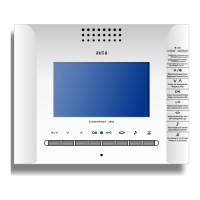
MONITOR COMPACT DIGITAL
DIGITAL COMPACT MONITOR
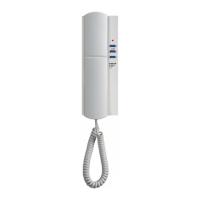
TELÉFONO COMPACT DIGITAL
DIGITAL COMPACT PHONE
Descripción y funcionamiento/Description and Functioning
Funcionamiento Básico/Basic Functioning
(Ver páginas 4-5)(See pages 4-5)
Multitonos/Multitone
El monitor/telefono distingue entre una llamada proveniente de una placa exterior y de una o varias secundarias. Conectando el pulsador
del timbre de la vivienda al monitor/telefono, genera un tono de llamada tambien configurable.
The new digital COMPACT melody monitor phone includes a new selector of tones able to identify from where the monitor/phone is being
called. The monitor/phone can distinguish either the call from the external panel or the call from flat's bell.
Selección del tono de llamada de la placa de calle/Selection of the calling tone from the external panel
1º Descolgar el mango telefónico y mantener presionada la tecla de cuelgue
Pick up the handset pressing the hook
2º Con un objeto punzante(Un palillo, alambre, etc.) pulsar en el agujero para ir cambiando el tono
d
e llamada en el monitor/teléfono.
With a little clip push in the selected hole to chage the tone
Selección del tono para el pulsador de llamada de la vivienda/Selection of the tone from doorbell
1º Descolgar el mango telefónico.
Pick up the handset
2º Con un objeto punzante(Un palillo, alambre, etc.) pulsar en el agujero para ir cambiando el tono de llamada en el monitor/teléfono.
Al pulsar NO se oye el tono seleccionado
With a clip push in the selected hole. When we are pressig we CAN NOT listen the selected tone
3º Presionar la tecla de cuelgue antes de 5 seg. para oir el tono seleccionado.
Press the hook to listen the selected tone
Selección del tono de llamada desde la placa/Selection of the tone from outside panel
1º Configurar el módulo de control de la placa principal con un código par (0, 2, 4, ...) y la otra(s) con un código impar (1, 3, 5, ...)
We have to configure the module of control with a even code (2,4,6,...) or with an odd code (1,3,5,...)
2º Seleccionar el tono de llamada como se indica en apartado: SELECCIÓN DEL TONO DE LLAMADA DE LA PLACA DE CALLE
(Los 2 tonos disponibles llevan asociados otro tono distinto para la llamada desde la(s) placa(s) secundaria(s))
Select a calling code (Selection of the calling tone from external panel)
(Both avaiable tones are link
ed to another diferent tone when we are making a call from a secondary panel)
Selección del volumen de llamada/Selection of the calling volume
1º Presionar para cambiar el volumen de llamada (ALTO-BAJO)
Press to change the calling volume (HI-LOW)
1º
2º
b
a
c
d
e
f
g
b
a
c
d
e
f
g
h
l
i
j
k
1º
Teclado Video - FoníaDIGITAL
10



 To Next Page