21
3.3.4 Charging Screen
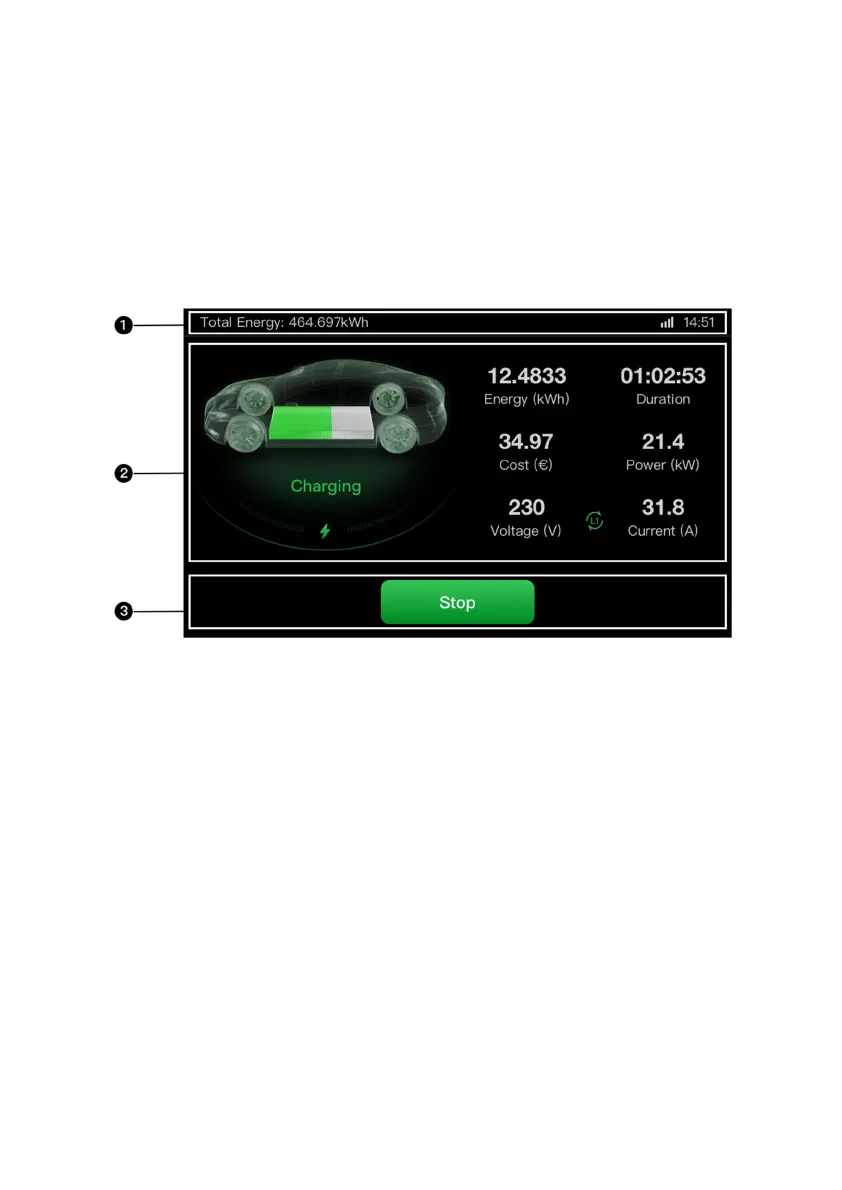
The Charging screen appears during the charge session.
1. Top screen
2. Main Charging screen — shows the real-time charging
progress and other charging information including energy,
duration, current cost, power, voltage, as well as current
per phase.
3. Stop button — tap to stop the charge session













 To Next Page