EasyManua.ls Logo

Autel MaxiCharger DC Fast - User Manual

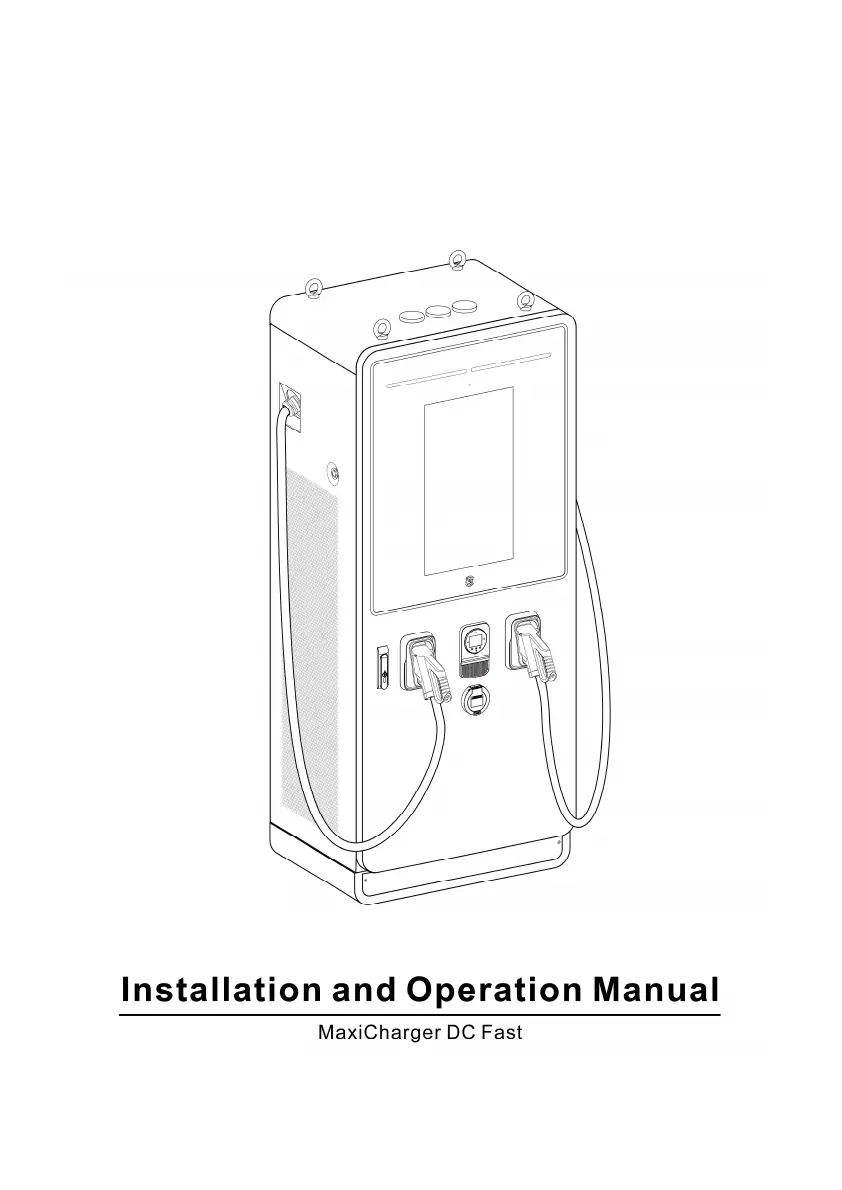
Autel MaxiCharger DC Fast
89 pages
Print Icon
To Next Page IconTo Next Page
Loading...

Table of Contents

Questions and Answers

  • A
    Ashley PatelAug 7, 2025
    What to do if my Autel MaxiCharger DC Fast Automobile Accessories touchscreen displays: Insulation error detected?
    • A
      Allison HuntAug 7, 2025
      If the touchscreen displays an insulation error, it indicates an insulation problem with either the EV or the MaxiCharger. Try using another MaxiCharger to charge the EV.
  • S
    Sara SullivanAug 14, 2025
    What to do if my Autel Automobile Accessories touchscreen displays: Unable to lock the connector?
    • D
      Deanna HawkinsAug 14, 2025
      If the touchscreen displays a message indicating the connector cannot be locked, it may be due to incorrect connection to the EV. Ensure the connector is correctly plugged into the EV charging port and retry. Alternatively, try using another MaxiCharger to charge the EV.
  • J
    Jeffrey RodriguezAug 22, 2025
    Why is my Autel MaxiCharger DC Fast Automobile Accessories screen not displaying?
    • P
      pryanAug 22, 2025
      If the screen isn't displaying, it could be due to a lack of power supply to the MaxiCharger. Check the power supply to the upstream distribution box, open the front door and check the RCD breaker of the auxiliary branch, and use a multimeter to test the power input.
  • D
    dennismeganAug 29, 2025
    How to fix Autel Automobile Accessories emergency stop button action failure?
    • A
      Amanda PaulAug 29, 2025
      If the touchscreen displays an emergency stop button action failure, it is possible that the emergency stop button was pressed by mistake. Turn the switch to the correct position as instructed.

Summary

Safety

Safety Warnings

Lists essential safety precautions and warnings for installation and operation.

Owner Responsibilities

Outlines the responsibilities of the MaxiCharger owner for safe operation.

Installation

Preparing the Installation Site

Guides on preparing the installation location, including site design and requirements.

Electrical Wiring

Covers the detailed steps for connecting the PE wire, AC input wires, and Ethernet cable.

Installing the Charging Modules

Guides on installing the charging modules into the MaxiCharger.

Operation

Before Use

Covers initial checks and procedures before powering on the MaxiCharger.

Charging Procedure

Details the step-by-step process for charging an electric vehicle.

Troubleshooting and Service

Troubleshooting

Provides a table of common issues, causes, solutions, and handlers.

Technical Specifications

General Specifications

Lists general technical specifications like compliance, IP rating, and IK rating.

AC Input and DC Output Specifications

Provides detailed specifications for AC input and DC output parameters.

Autel MaxiCharger DC Fast Specifications

General IconGeneral
Output CurrentUp to 500A
CurrentUp to 500A
Input Frequency50/60 Hz
Enclosure RatingIP54
Efficiency≥95%
Charging StandardCCS1, CCS2
Output Voltage200-1000 VDC
Connector TypeCCS1, CCS2
Operating Temperature-30°C to 50°C
Communication ProtocolsOCPP 1.6
ConnectivityEthernet, 4G, Wi-Fi
User InterfaceTouchscreen
Mounting TypeFloor-mounted
Cooling MethodLiquid Cooled
Protection FeaturesOver-voltage, over-current, short-circuit, over-temperature
CommunicationOCPP 1.6
Humidity5% to 95% (non-condensing)
CertificationsCE, UL

Related product manuals