46
CAUTION
To prevent damage to the MaxiCharger, remove condensation before use.
Emergency Stop
In any emergency situation, push the Emergency Stop button.
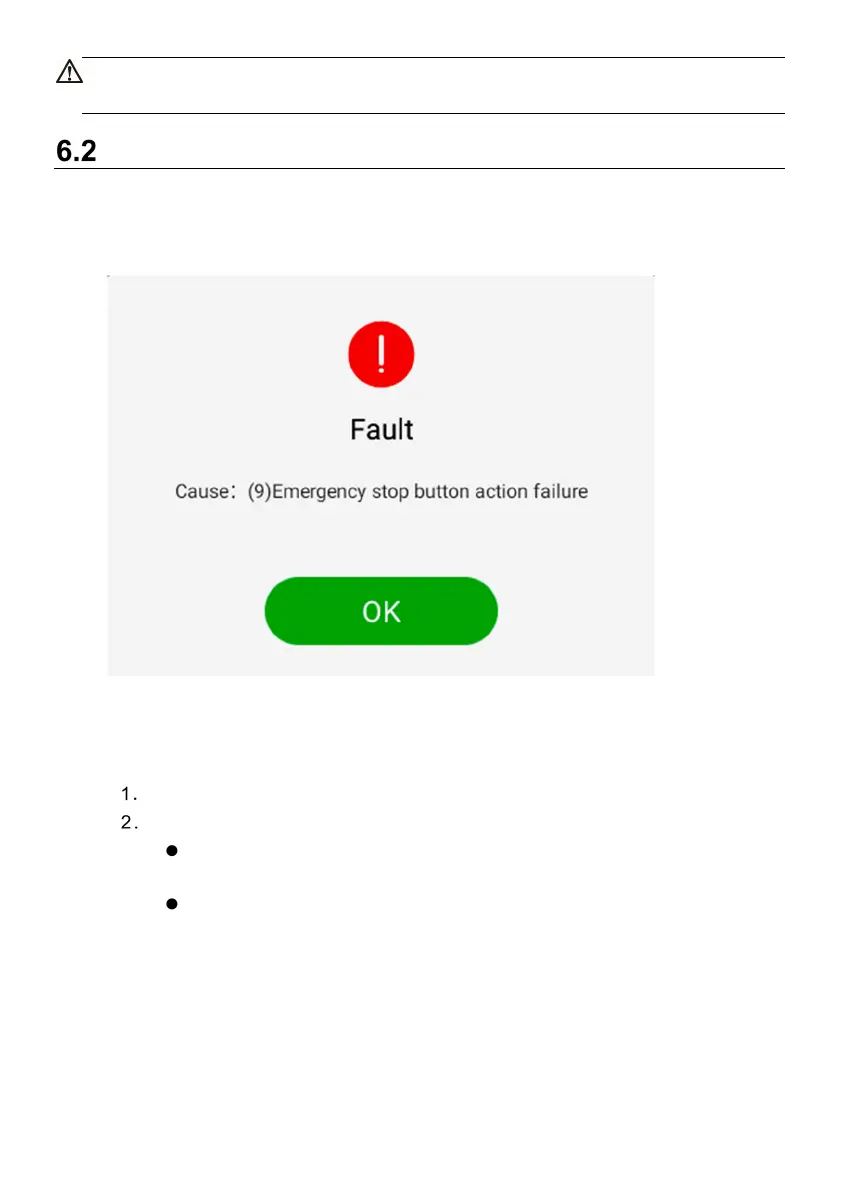
The MaxiCharger stops all charging processes and the touchscreen displays a message
as shown in the following figure:
Figure 6-1 Fault Message Screen
To reset the MaxiCharger
Ensure that the situation is safe again.
Turn the Emergency Stop button clockwise to release it.
The MaxiCharger will start and the error message will disappear from the
touchscreen.
The MaxiCharger will resume the normal operation.



 To Next Page