40
STEP 2
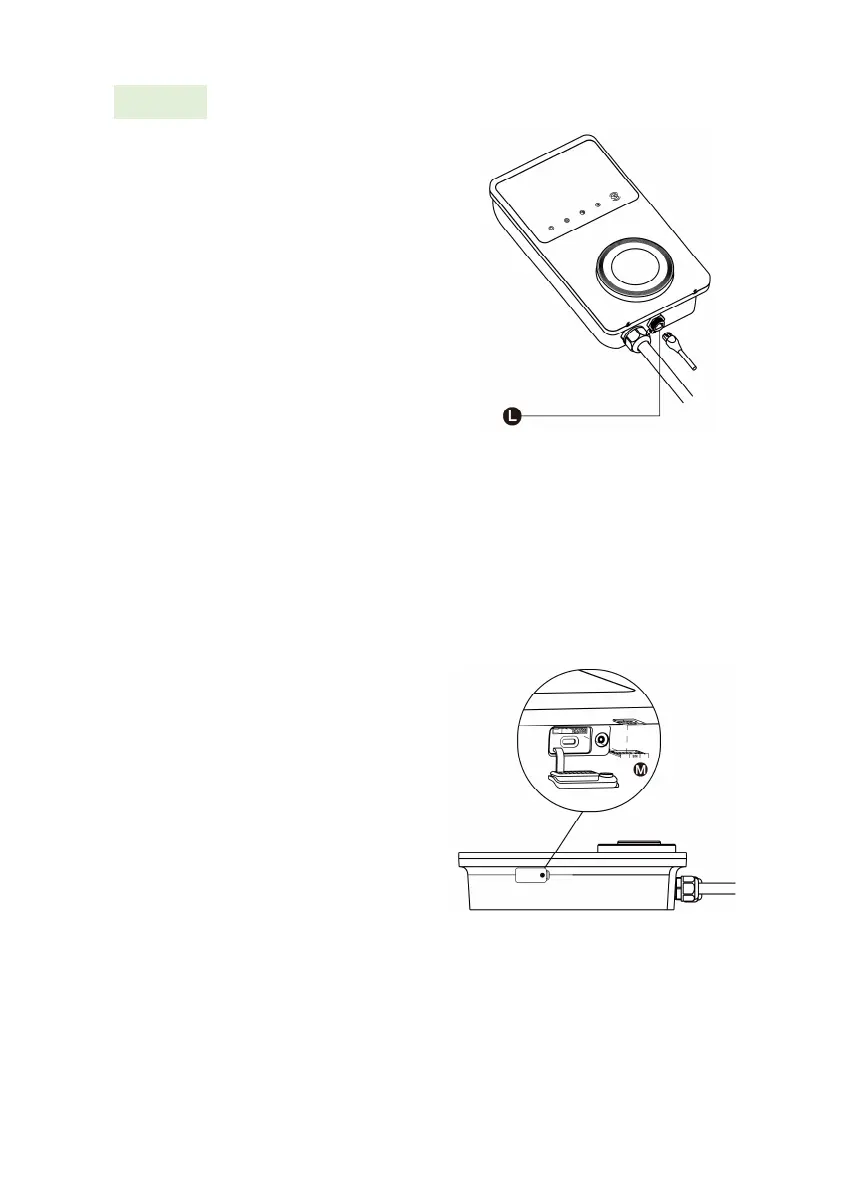
Put the RJ45 plug of the
Ethernet cable into the RJ45
port (L) at the bottom of the
charging station.
Via the SIM Card
:
1. Remove the M3 x 10 screw
using the T10 screwdriver to
open the SIM card cover.
2. Use an appropriate tool to
press the tiny button next to
the SIM card tray (M) and
release the card tray.
3. Insert the SIM card into the
tray. Ensure it is inserted
correctly.
4. Reinstall the SIM card cover.













 To Next Page