47
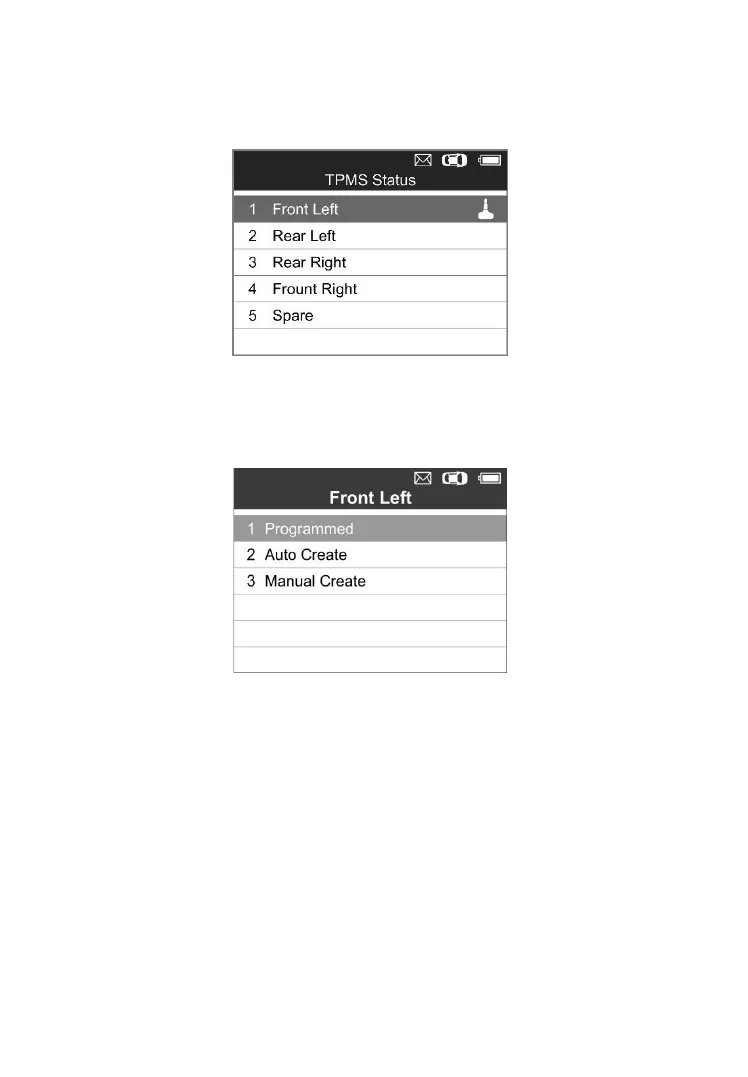
Press OK to return to the previous screen, and a sensor mark will
appear on the right side of the screen, indicating the wheel sensor has
been programmed.
Figure 5-13
The Programmed option is available when selecting the programmed
wheel sensor. Select “Programmed” to reprogram the wheel sensor
with the same ID if necessary.
Figure 5-14
After all required MX-Sensor is programmed, please select Write IDs
to Vehicle in Relearn function, refer to TPMS Relearn on page 27 for
details.
One Wheel Mode
1) In this mode, the screen will show as below. Use the UP/DOWN scroll
button to select MX-Sensor icon on the lower left corner.



 To Next Page