63
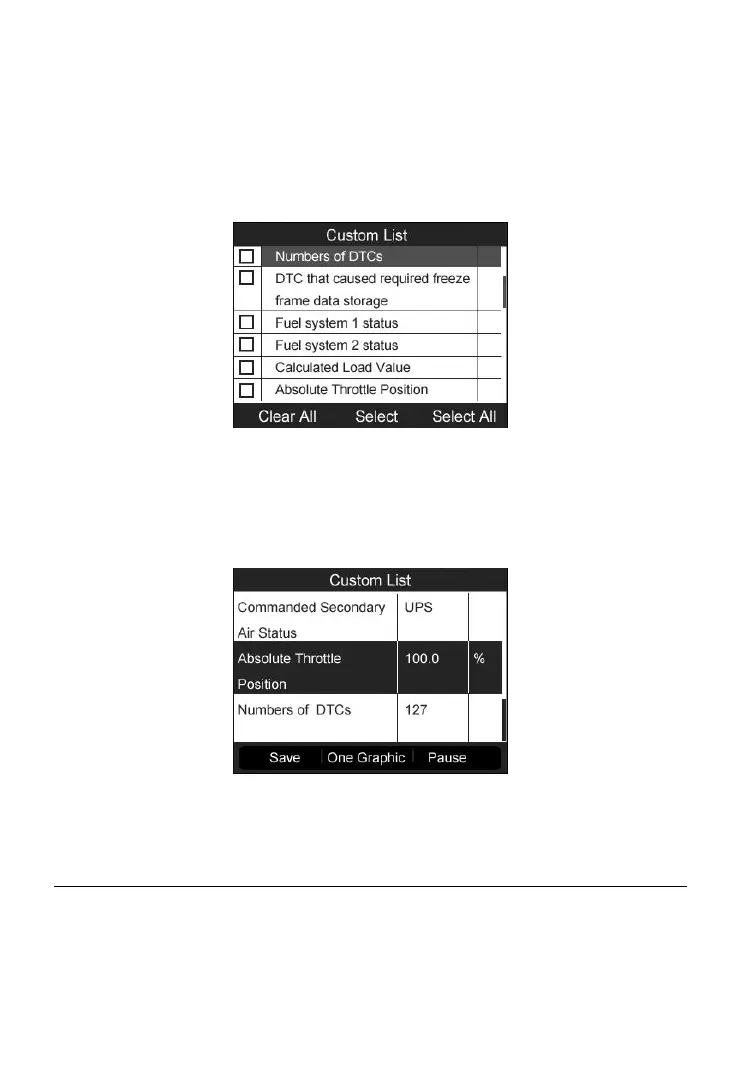
Custom List
1) To view customized PID data, use the UP/DOWN scroll button to select
Custom List from Live Data menu and press the Y button (Figure
6-9).
2) Use the UP/DOWN scroll button to move to the desired item and press
the corresponding FUNCTION button Select to choose.
Figure 6-11
3) Press the corresponding FUNCTION button Clear to unselect items, or
press the corresponding FUNCTION button Select All/Clear All to
select or unselect all items.
4) Press the Y button to view selected PIDs on screen.
Figure 6-12
5) Press the N button to return to previous menu.
Freeze Frame
1) To view freeze frame data, use the UP/DOWN scroll button to select
Freeze Frame from Diagnostic Menu and press the Y button (Figure
6-3).



 To Next Page