70
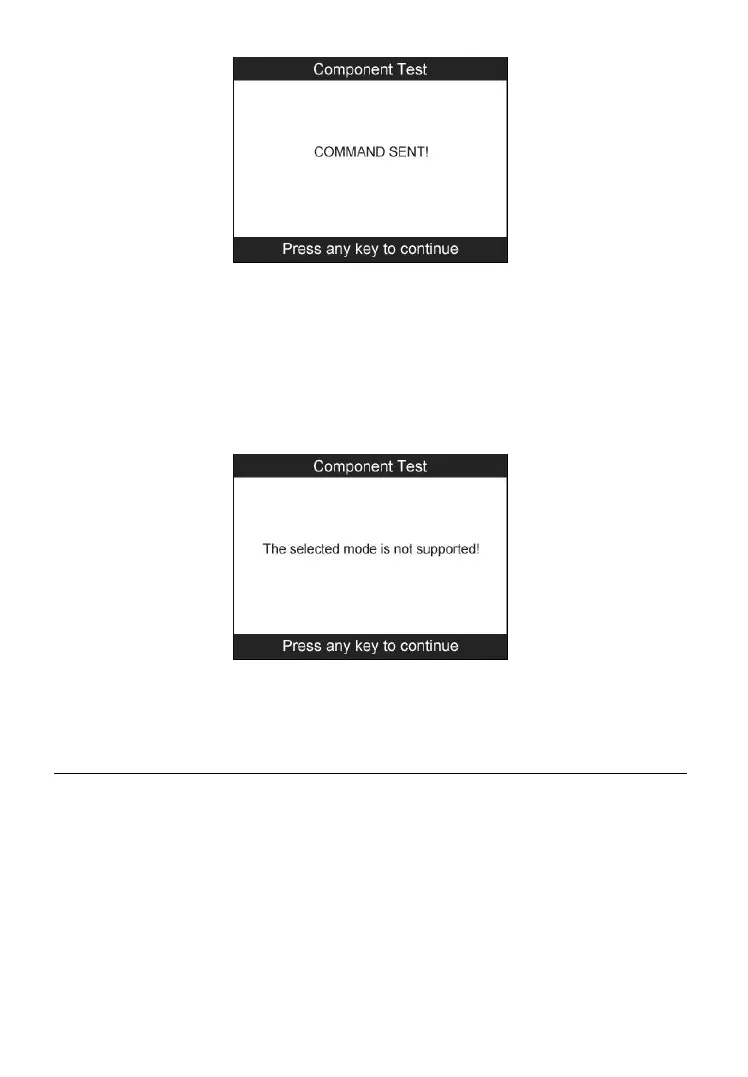
Figure 6-25
⚫ If the test has not been successfully initiated by the vehicle, a
message “LINKING ERROR” shows up. Make sure the tool and
DLC are connected securely.
⚫ Some vehicles do not allow scan tools to control vehicle systems
or components. If the vehicle under test does not support the
EVAP Leak Test, an advisory message is displayed on the screen.
Figure 6-26
4) Wait a few seconds or press any key to return to previous screen.
View Vehicle Information
This function enables retrieval of Vehicle ID No. (VIN), Calibration ID Nos.
(CALIDs), Calibration Verification Nos. (CVNs), In-use Performance
Tracking, and ECU Name.
1) From the Diagnostic Menu, use the UP/DOWN scroll button to select
Vehicle Info. and press the Y button (Figure 6-3).
2) Wait for the scan tool to display the Vehicle Info. menu.



 To Next Page