50
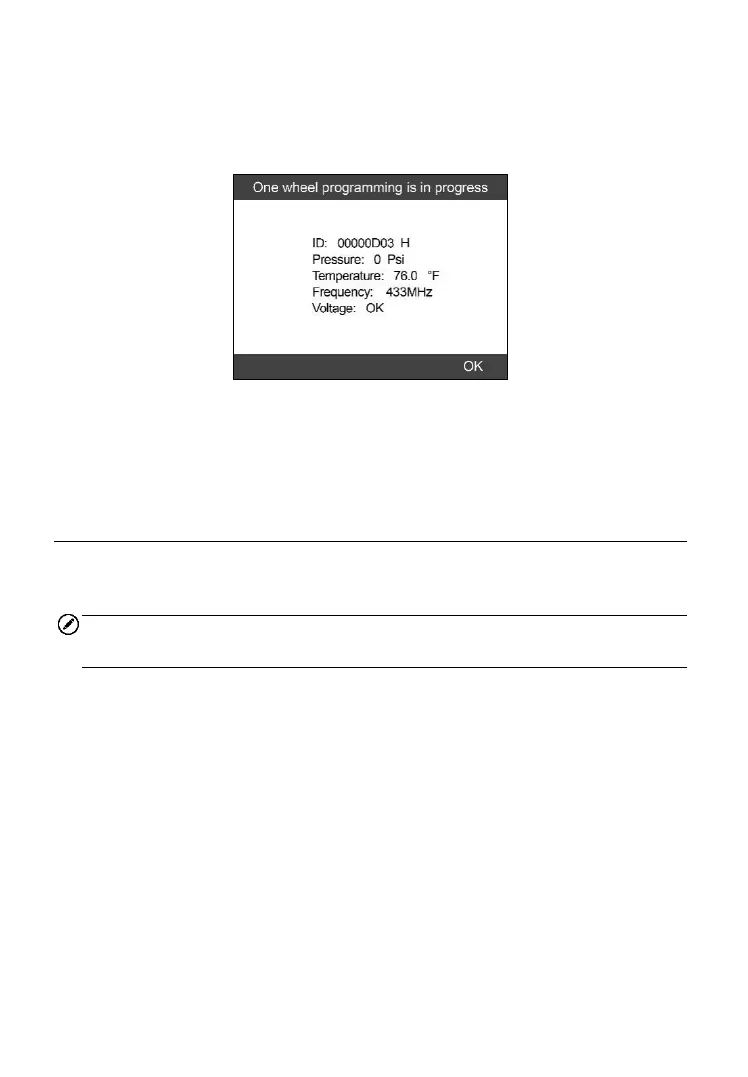
After programming is finished, a series of beep sound will be heard and
the tool will display the data details such as the sensor ID, the
temperature and the battery voltage after testing the new programmed
MX-Sensor.
Figure 5-21
After all required MX-Sensor is programmed, please switch to All
Wheels Setting and select Write IDs to Vehicle in Relearn function,
refer to TPMS Relearn on page 27 for details.
Manual Create
This function allows user to manually enter sensor IDs. Users can enter the
random ID or the original sensor ID, if it’s available.
NOTE
Do not enter the same ID for each sensor.
1) Follow the steps in Auto Create to select MX-Sensor icon and then
select the required wheel position and press the Y button for All
Wheels mode.
Under One Wheel mode, follow the steps in Auto Create to select
MX-Sensor icon and press the Y button.
2) Use the UP/DOWN scroll button to select Manual Create and press
the Y button (Figure 5-22 for All Wheel Mode, Figure 5-23 for One
Wheel Mode).



 To Next Page