49
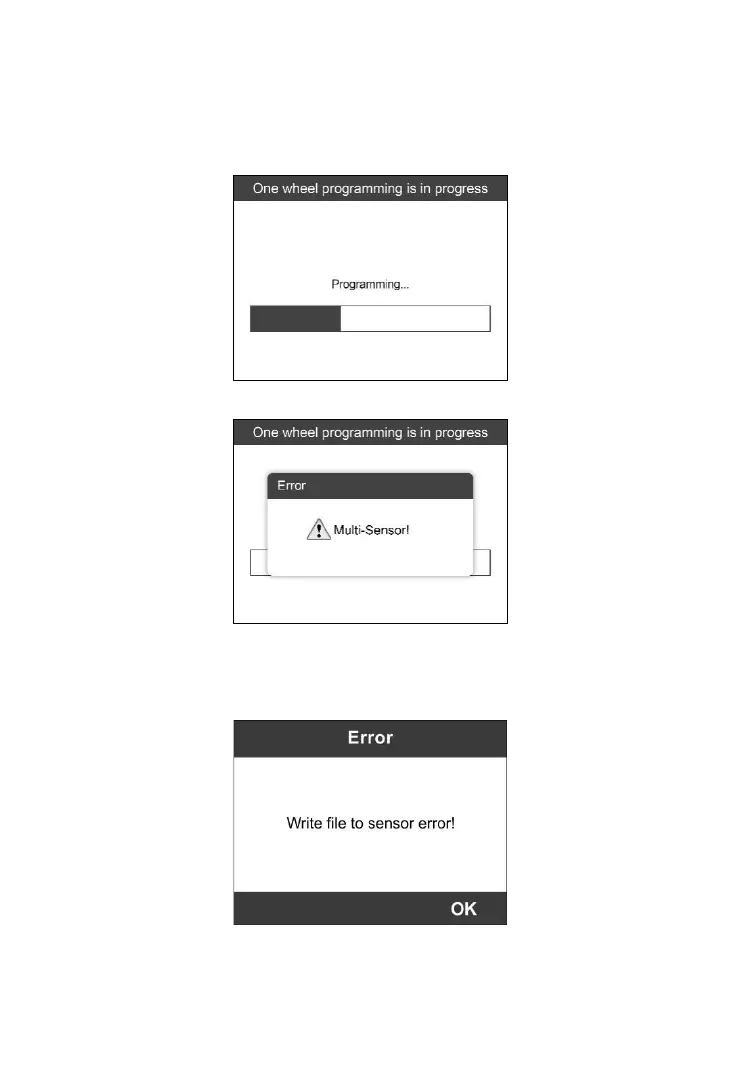
4) Press the Y button to write in the new created sensor ID to the
MX-Sensor and the screen will show as below (Figure 5-18). If an error
prompts, please keep the MX-Sensor to be programmed away from
other MX-Sensor (Figure 5-19).
Figure 5-18
Figure 5-19
If programming failed, the screen will show as below. In this case,
please perform programming function again.
Figure 5-20



 To Next Page