52
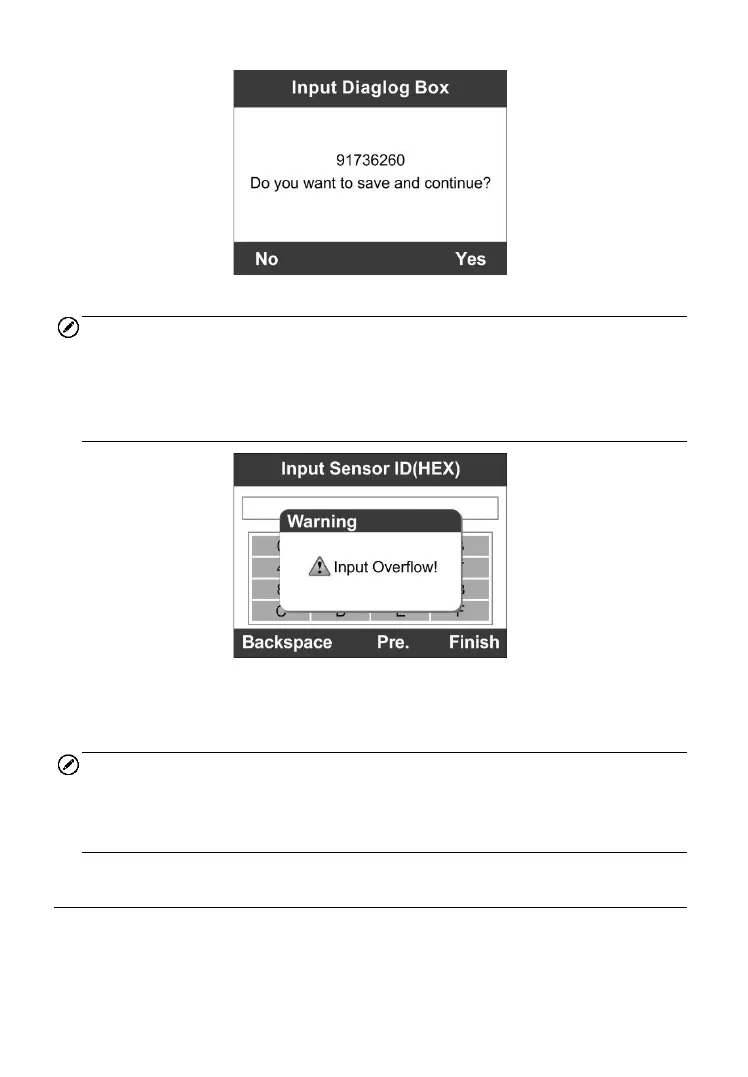
Figure 5-25
NOTE
Different sensor from manufacturer may have different ID character length
limit. The scan tool will automatically recognize the OEM sensor ID
character length, and prompt a message when entered character length is
out of limitation.
Figure 5-26
5) Insert the correct MX-Sensor and press the Y button to start
programming or the N button to exit.
NOTE
If a random ID is entered, please perform the TPMS Relearn function after
programming is finished. If the original ID is entered, then there is no need
to perform Relearn function.
Copy by OBD
This function allows user to write in the saved sensor information to
MX-Sensor after performing Read IDs from Vehicle in Relearn function.



 To Next Page