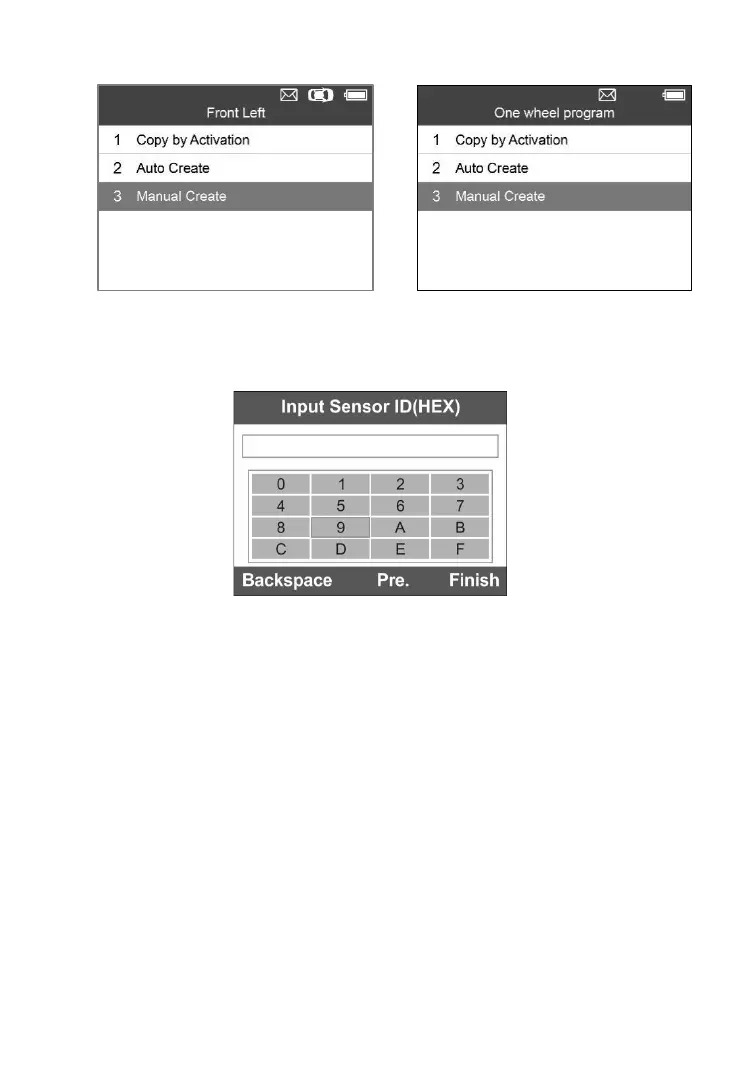
3) Use the UP/DOWN scroll button and the LEFT/RIGHT scroll button to
select the character and press the Y button to confirm.
Figure 5-24
4) Use the left FUNCTION button to select Backspace to remove the
entered character. Use the middle FUNCTION button to select Pre. to
move the cursor to the previous character. Use the right FUNCTION
button to finish the input and the screen will display a message
requiring the user for confirmation. Select Yes to save the sensor ID
and continue programming or No to return to the previous screen.



 To Next Page