66
Figure 6-16
6) Use the UP/DOWN scroll button for more PIDs if additional information
is available for more than one page. Or use the LEFT/RIGHT scroll
button to view PIDs in the previous/next page.
7) Press the N button to return to previous menu.
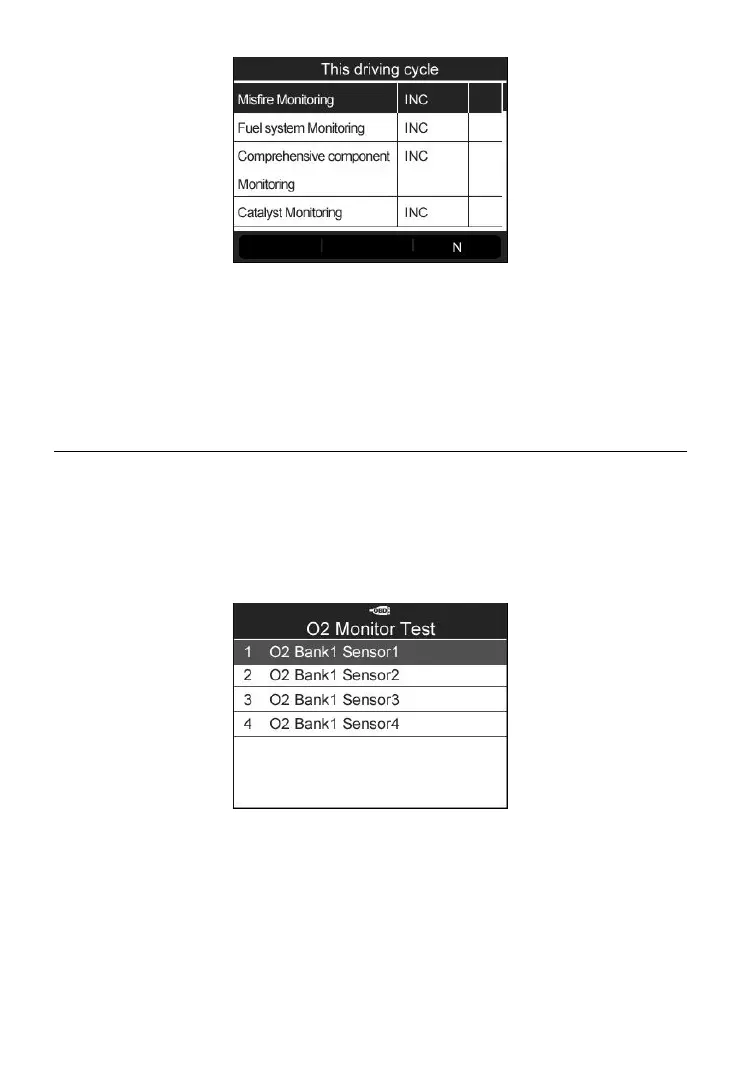
O2 Monitor Test
1) Use the UP/DOWN scroll button to select O2 Monitor Test from
Diagnostic Menu and press the Y button (Figure 6-3).
2) Wait a few seconds while the scan tool validates the PID MAP.
3) Use the UP/DOWN scroll button to select O2 sensor from O2 Monitor
Test menu and press the Y button.
Figure 6-17
⚫ If the vehicle does not support the mode, an advisory message will
be displayed on the screen.



 To Next Page