15 | P a g e
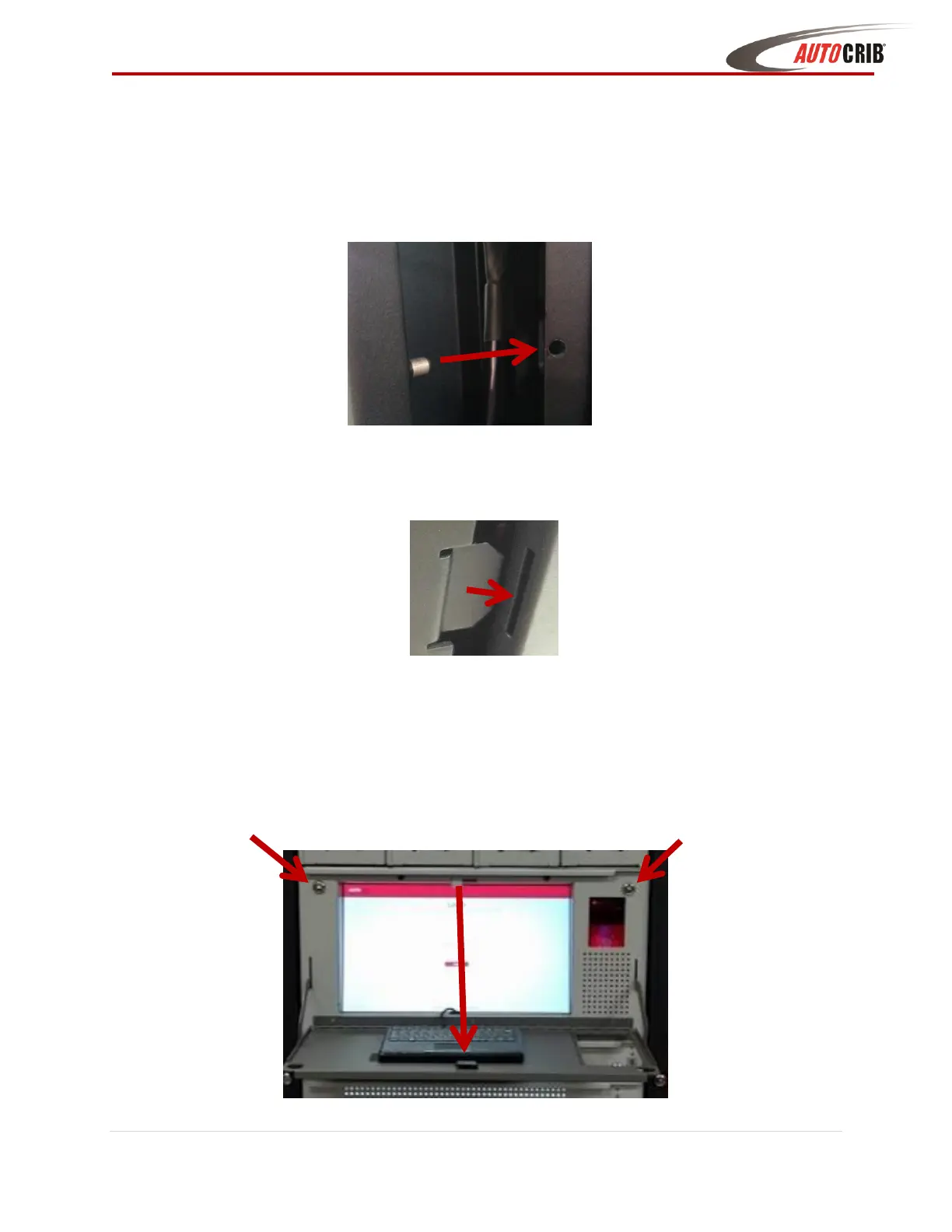
10. Pull the cable through and connect to the network
11. Place the left front panel back on:
a. make sure the two studs fit into the round holes and turn the key to lock the panel
back in place
b. Align the three metal tabs that are located on the frame (bottom, middle, and top)
with the three slits located on the front panel cover
c. turn the key to lock the panel back in place
12. Close the Touch controller drawer and lock with the key provided, then pull open the
keyboard shelf



 To Next Page