31 | P a g e
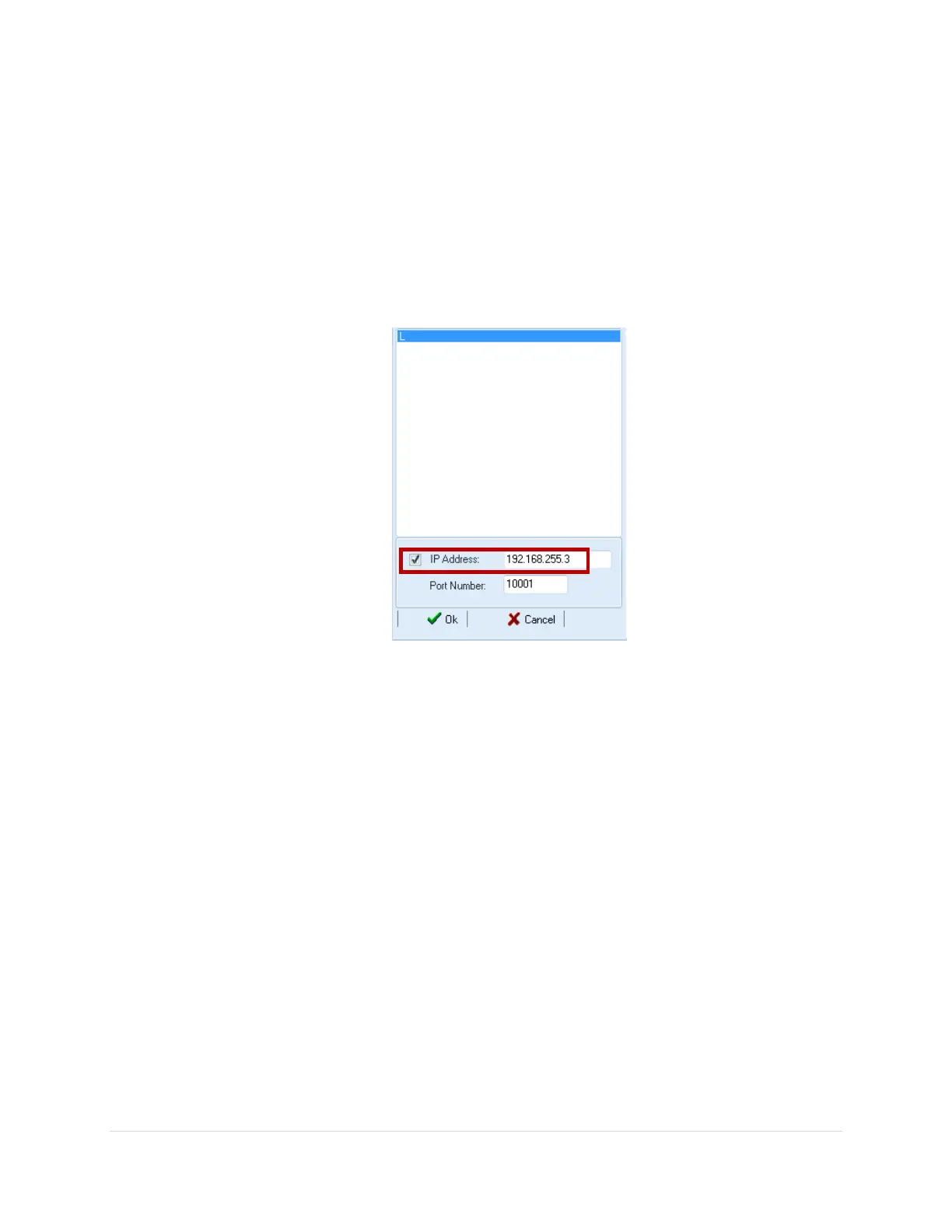
8. Add the FX Locker computer as a controller. (See Diagram 3.5)
a. Navigate to Tools > Options > Controllers
b. Click the “Insert” button
c. Check the IP Address check box and change the default IP
Address to: 192.168.255.3
d. Click “Ok” to save the changes.
e. Select the controller added in previous step and click the
Edit button > Double click the Crib field > Select the
correct FX crib number > Click Ok, then Ok again to save
the changes
9. Start the RoboCrib software by double clicking on the shortcut available on the desktop
10. If prompted, enter the crib number of the FX Locker
You are ready to start stocking.



 To Next Page