41 | P a g e
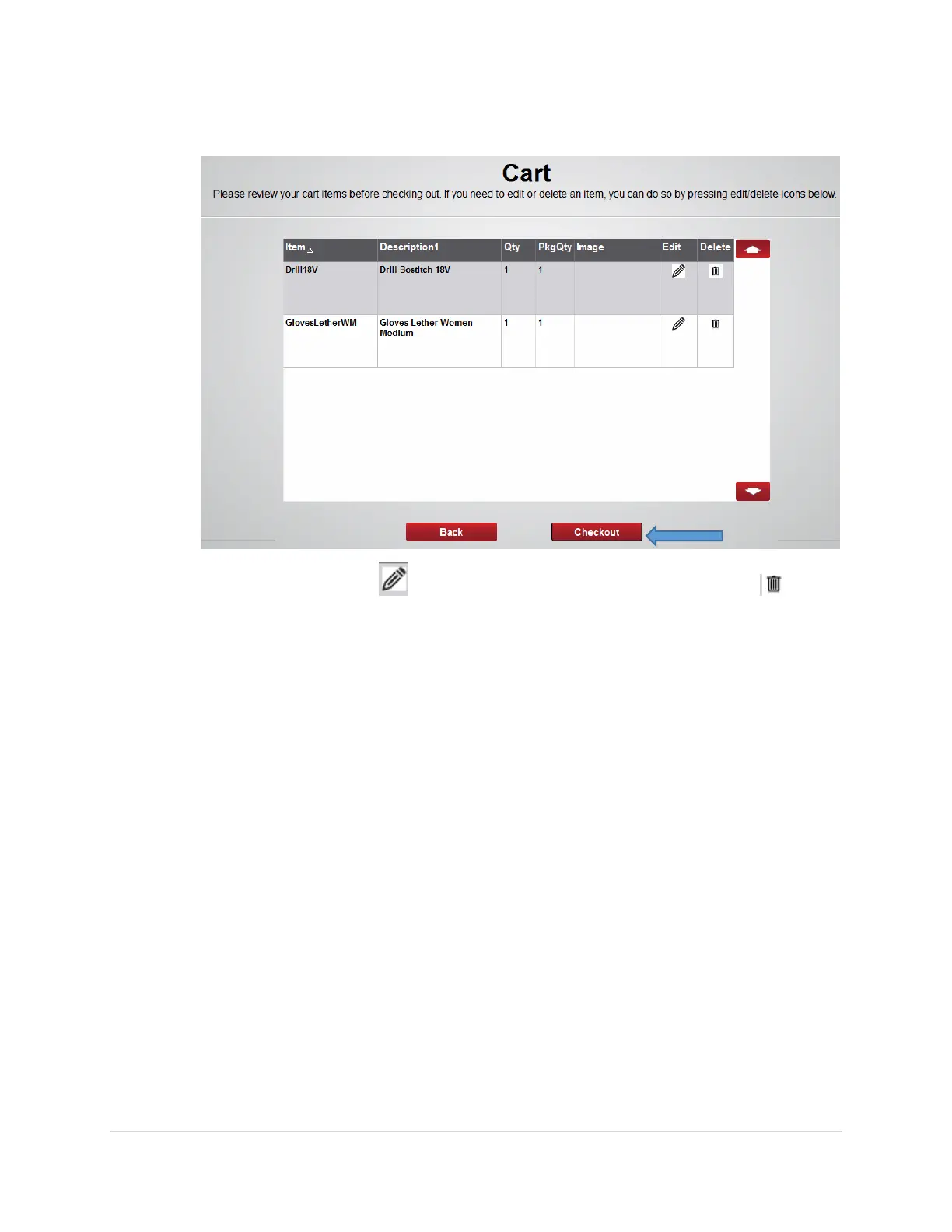
c. Review the items in the cart and press the Checkout button
Note: press the edit button to change the Qty of the item or Delete to
remove the item from the Cart
d. The first locker bin door will open, remove the item and close the door.
e. The next locker bin door will open, remove the item and close the door.
f. Repeat the process until all items have been retrieved
g. Logout of the software.



 To Next Page