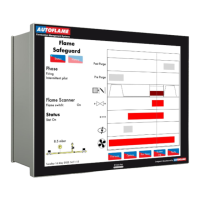
3 End User Operation
Figure 3.19.2.i Options
Press in the System Configuration screen in Figure 3.19.i to view the Options screen, which
displays all of the options and their ranges and settings. This is a read only mode, so no changes can
be made to the options in this screen. Options highlighted in blue are ones which have been changed
from the default values.
Press on the MM, PID, EGA, DTI and BC tabs to group together options in those categories.
22.05.2017 Mk8 MM End User Guide Page 32
3.9.2 Options

 To Next Page
 Loading...