trouble shooting chart
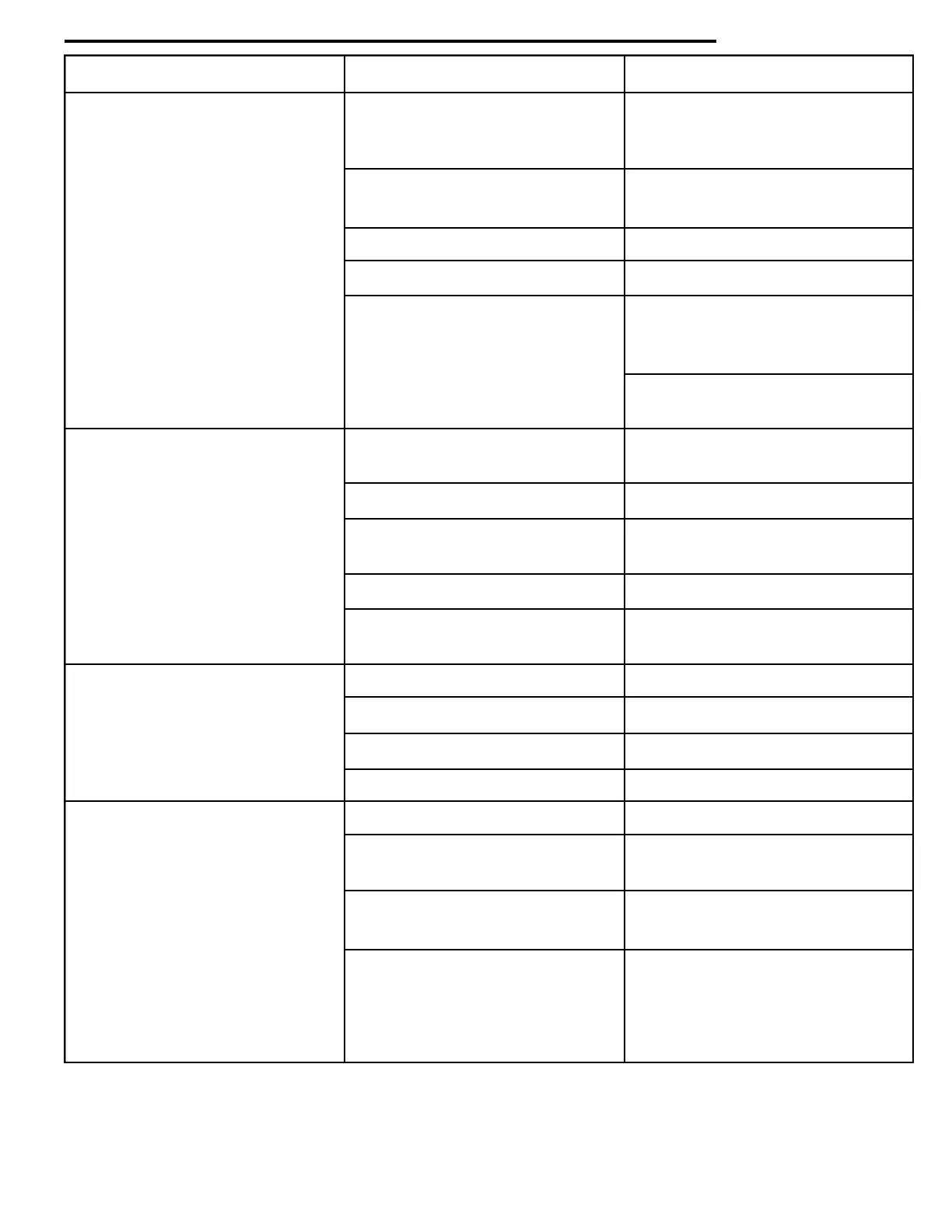
Problem Cause Remedy
No power No lights Check wall outlet for correct
wiring, and line cord.
See page 3.
Lights work - no power Check transformer outputs
to board & circuit breakers
No power to the board Check wiring connections
Defective power board Replace power board
Display blank Check for voltage at P1-110
Machine-4.7 volts between
yellow wires
LCM machines-24VAC at
white wires at P1
Won't take coins No power to machine Check wall outlet, line cord
& voltage
Defective changer Replace changer
Machine only accepts one coin Machine lost its vend prices -
reprice and test
Defective circuit breaker Replace circuit breaker
No power to coin payouts Replace power board or logic
board on LCM machines
Won't payout coins/incorrect No voltage Check voltages
change returned
Defective power board Replace power board
Defective coin mechanism. Replace coin mechanism.
Jammed coins in tube Remove coins
Won't take bills No coins in coin tubes Fill coin tubes
Belts or stacker doesn't run Check for 110 VDC on power
on power-up board
Belts run-bill goes half way Replace validator
but won't accept
Incorrect inventory Check inventory of coin
mechanism by entering service
mode 10-125
46


 To Next Page