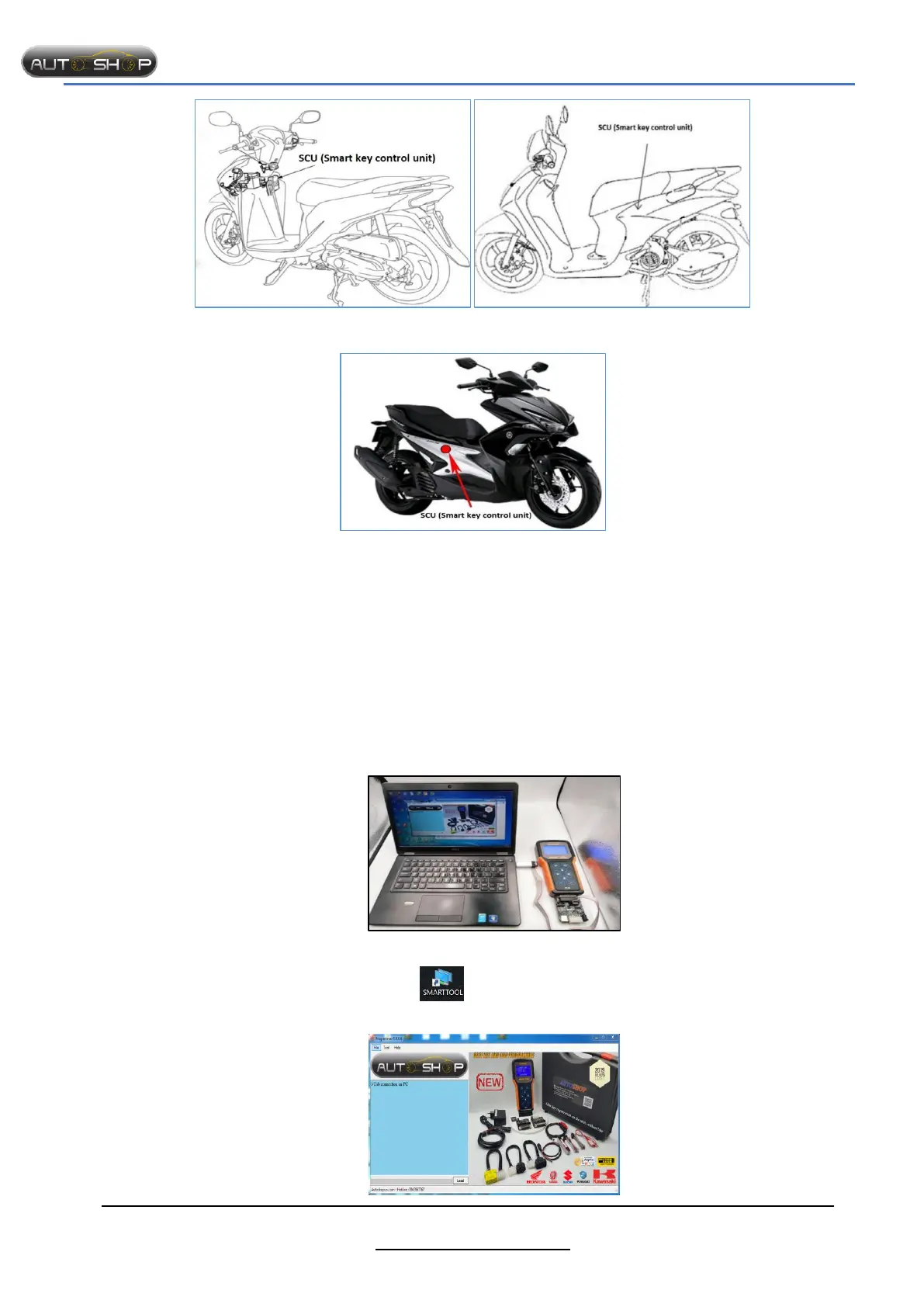
SMARTTOOL – BEST PROGRAMMER SMART KEY HONDA, YAMAHA, SUZUKI AND PIAGGIO
41
http://autoshopvn.com
Honda Vision (2018 - 2019) Yamaha Janus (2016 - 2018)
Yamaha NVX (2016 - 2019)
PART V : USER GUIDE OF AUTOMATIC UPDATING
1. Preparation.
- PC or Laptop connecting Internet.
- SMARTOOL, KEY/ODO Adapter, Updating cable PICONE
- Remote control computer software: Anydesk, Teamviewer, Ultraviewer.
2. Perform
- Step 1: Download PICONE software to computer and extract to desktop.
- Step 2: Download TeamViewer or Ultraviewer:
In Google search: Teamviewer
Download and setup
- Step 3: Connect SMARTTOOL to computer same as picture:
- Step 4: After extracting PICONE:
Open SMARTTOOL software in desktop.
Login account and password


 To Next Page