SMARTTOOL – BEST PROGRAMMER SMART KEY HONDA, YAMAHA, SUZUKI AND PIAGGIO
42
http://autoshopvn.com
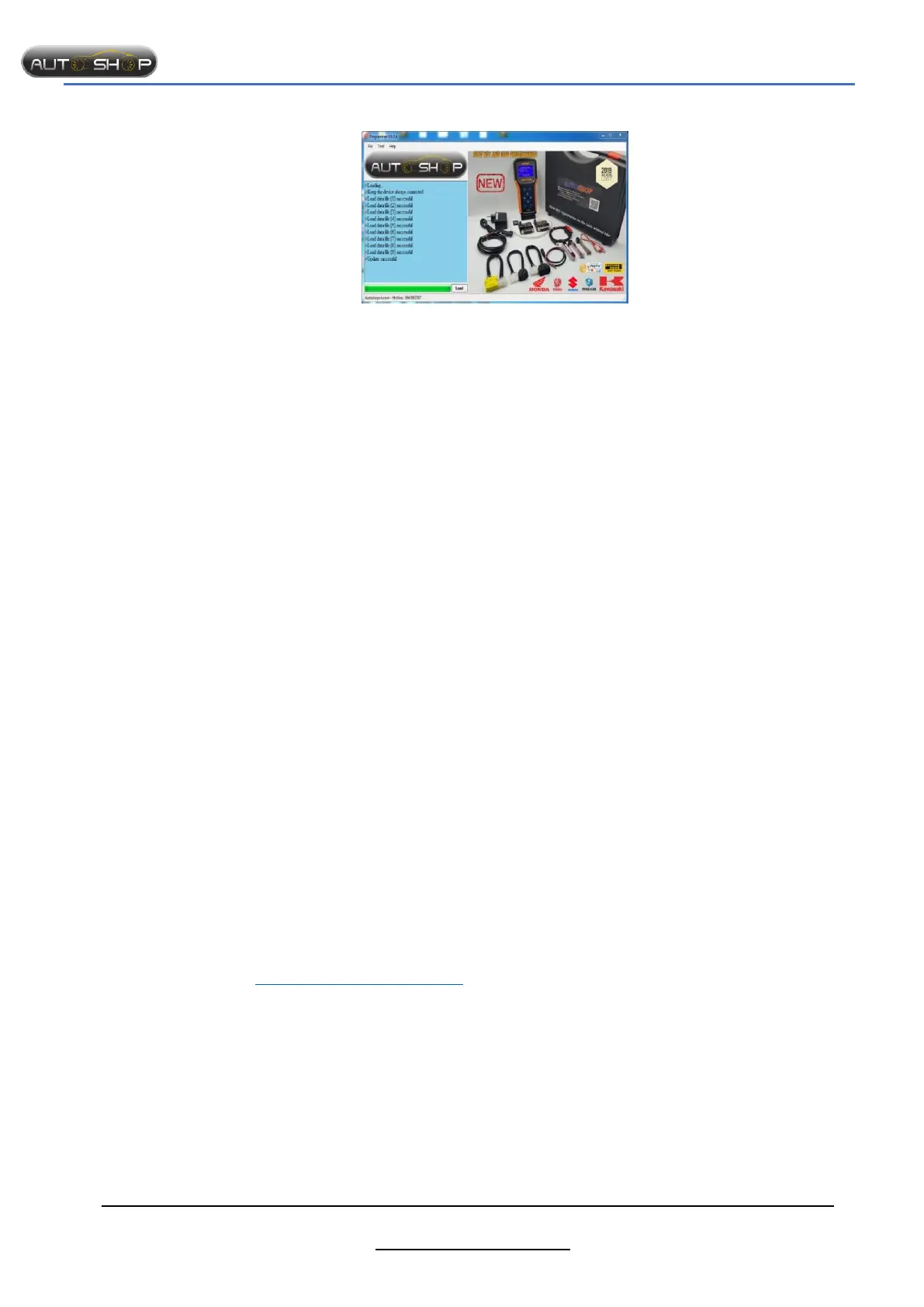
Select “Load” to update
If success, the software displays “Update successful”
If not successful, pls try again.
3. Some common errors.
3.1. Not recognize updating cable
- Reason: connection points are not good or computer is error to recognize cable
- Repair:
Check again connecting points between SMARTTOOL and Adapter, between Adapter and
cable, cable and computer.
Change USB port.
Check computer to know the computer is enough driver or not.
3.2. Fail Updating.
- Reason: contacting point between SMARTTOOL and Adapter is not good.
- Repair:
Change USB port or another computer (if available)
Use hand to hold connecting points steadily.
Notes:
Customers are using Pickit2 updating cable please contact AutoShop Viet Nam to be
supported.
If you can’t update yourself, please contact technician of AutoShop Viet Nam to be
supported.
4. Some technical term.
- SCU - Smart key Control Unit
- FOB – Smart key used in smart key system
- KEYID – Key identification – security code between SCU and FOB
- ECM – Engine Control Module
- ECMID – ECM identification - security code between SCU and ECM
5. CONTACT INFO:
AUTOSHOP VIET NAM JSC.
HEAD OFFICE:
- Address: No8, Alley 8, Lane 34, Xuan La Street, Xuan La Ward, Bac Tu Liem District, Ha
Noi, 100000
- Phone: (+84)943 967 767 - (+84)903466563
- Website: autoshopvn.com
- Email: autoshopvietnam@gmail.com
- Version 9.4 revised: February 2020
We greatly appreciate your kind words!!!


 To Previous Page