17
KIT
It reads the matching kit file in the Load/Kit/
directory (which needs to be created by the
user) in the USB flash drive. Use the [
<
]/[
<
]
buttons to select the drum kit to be imported.
Use the [-]/[+] buttons to select the kit number
to be imported (this operation will overwrite the
original kit setting). Press the [OK] key to
confirm.
WAVE IMPORT
Import a single sound file. Use the [
<
]/[
<
]
buttons to select the sound file to be imported,
and press the [OK] key to import. When a
sound file is selected, you can press the [ ]
buttons to listen to the selected sound file.
SETTING
Import the global setting file stored in the USB
flash drive.
ALL
Import all the sound kits contents and global
parameter settings stored in the USB flash drive.
D. USB DEVICE MODE
This device can be connected to a PC, and the
PC can set the sound/drum set through the
Wave manager software. After this function is
turned on, the device will not support any
operations. If you need to turn it o, please
restart the device.
SYSTEM MENU
DESCRIPTION
This menu is used to set special parameters of this
device.
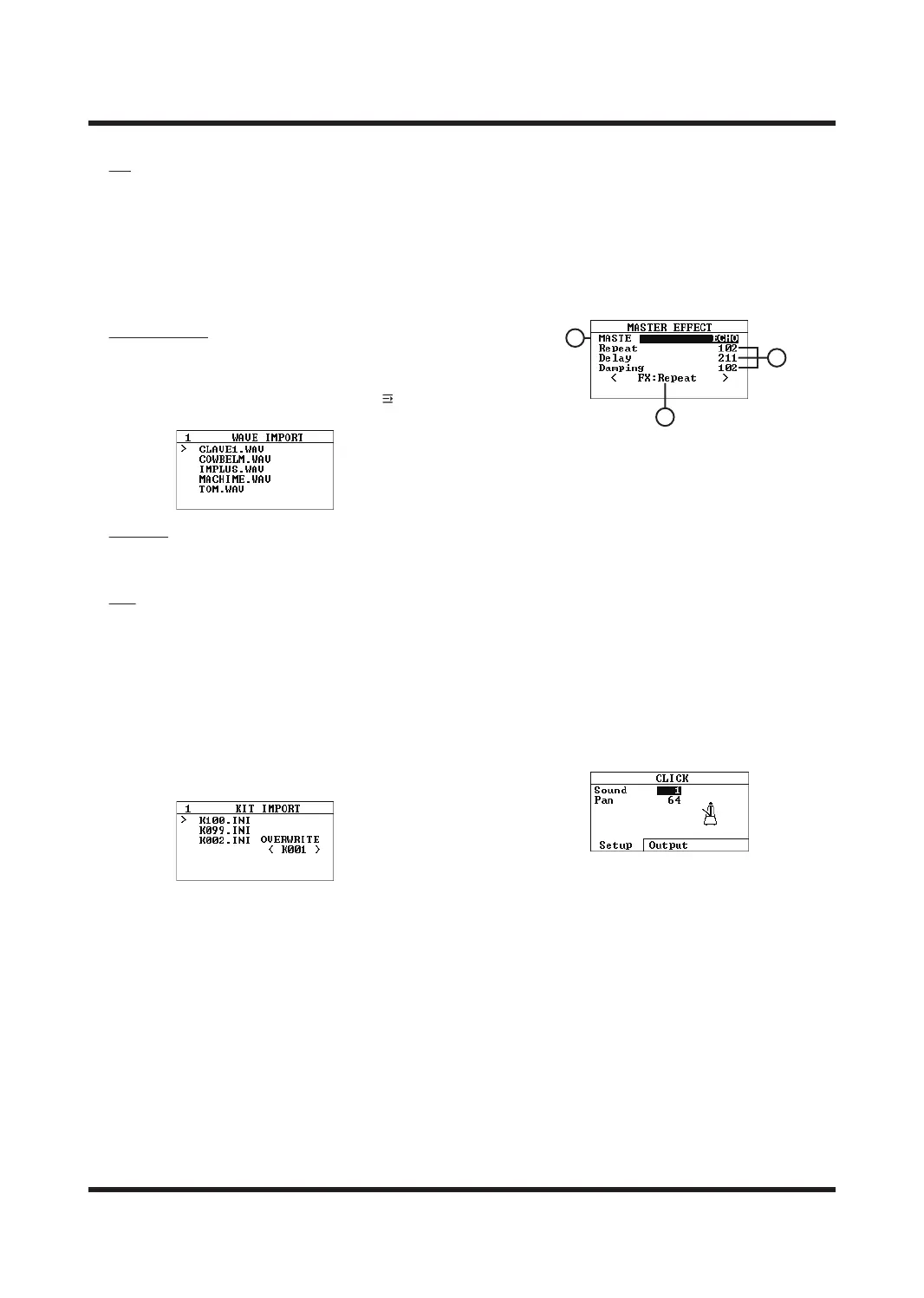
MASTER ERRECT
A. MASTE
Master eects, use the [+]/[-] buttons or
SCROLL WHEEL to switch.
B. Eector Parameters
This eector supports adjustable parameters.
For details about the parameters of the main
eector, please refer to the eector appendix.
C. Knob Control
You can assign a parameter of the eector to
link to the FX knob for quick modification.
CLICK
Menu is used to set the basic parameters of the
global metronome. Use the [F1] and [F2] buttons
to switch parameter pages; use the [
<
]/[
<
] buttons
to select parameter types; use the [+]/[-] buttons
or SCROLL WHEEL to modify the value.
Sound
Metronome sound, use the same sound for the
metronome of all sound kits.
Pan
controls the metronome sound to be output from
the left/right channel. Range: 0-127
0 (left channel output only), 64 (balanced output
of left and right channels), 127 (right channel
output only).
Press [F2] to switch to the metronome output
channel page, and use the [-]/[+] buttons or
SCROLL WHEEL to switch the output channel;
A
B
C



 To Next Page