Calendar
142
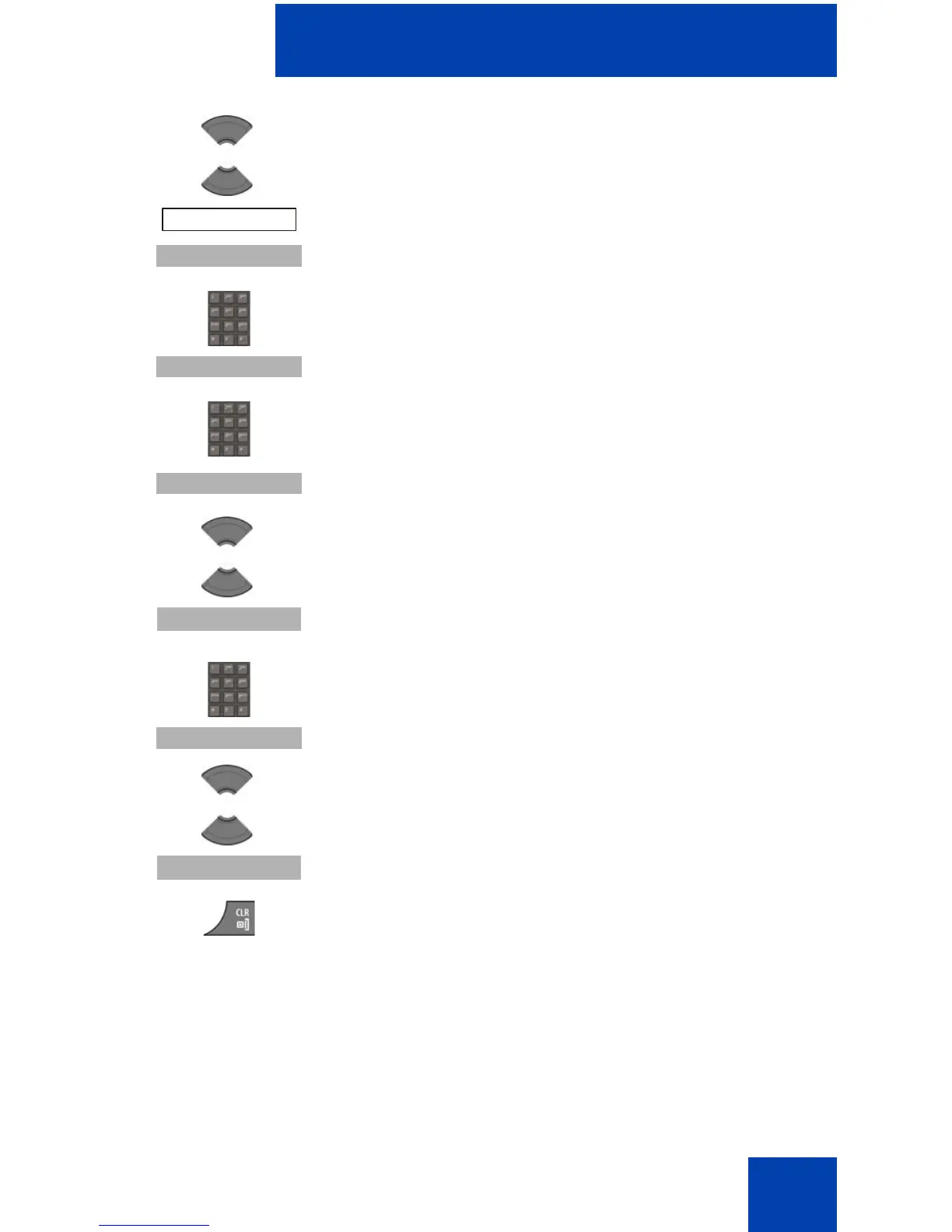
8. Press the Up or Down key to highlight the Edit
option.
9. Press the Select soft key.
10. Use the Dialpad to edit the start date.
11. Press the Continue soft key.
12. Use the Dialpad to edit the start time.
13. Press the Continue soft key.
14. Press the Up or Down key to highlight the required
duration.
15. Press the Select soft key.
16. Use the Dialpad to edit the subject of the
appointment.
17. Press the Continue soft key.
18. Press the Up or Down key to highlight the required
reminder.
19. Press the Select soft key.
20. Press the Clr key one or more times to return to the
idle display.



 To Next Page