Getting started
28
Note: (4075 only) You can configure the LED indicator to flash when
the handset battery is low. When you place the handset on the
charger, the LED indicator turns off. See “Configuring the LED
Indicator (4075 only)” (page 167) for more details.
Switching the handset on or off
To switch your handset on or off, perform the following step:
Display areas
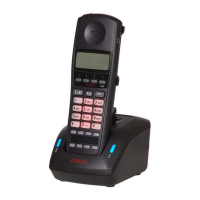
The Avaya 4027, 4070, 4075 DECT Handsets include a Liquid Crystal
Display (LCD), and the 4070 and 4075 DECT include a backlit dialpad.
The Avaya 4075 DECT Handset also includes an LED indicator above the
display area, to the left of the speaker.
The display is divided into the following three areas:
• “Icon line” (page 29)
• “Dialogue area” (page 30)
• “Soft key line” (page 35)
The following figure shows the various areas of the display.
1. Long press the Clr key to switch your handset on or
off.


 To Next Page