DECT system configuration
53
Deregistering the handset
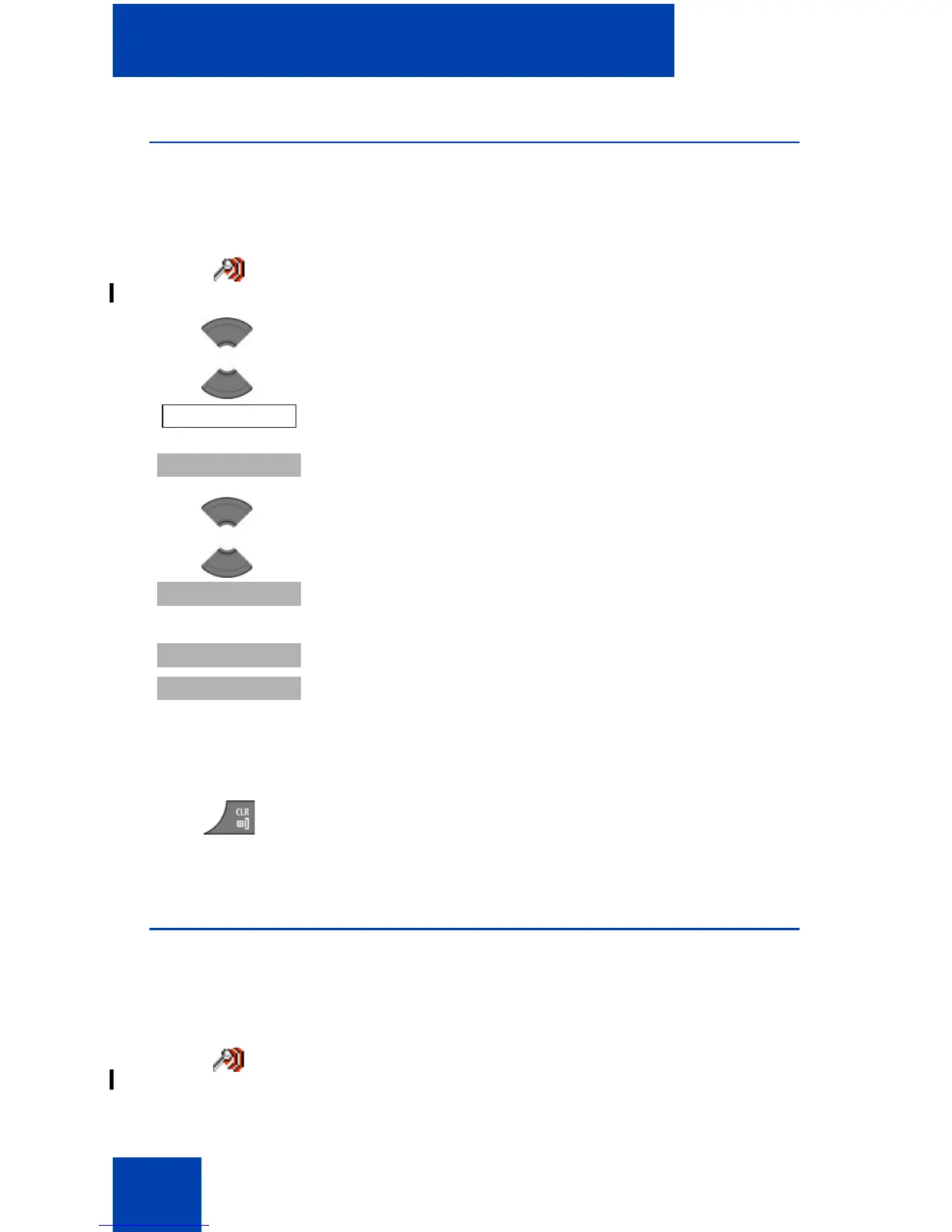
To deregister the handset from a DECT system, perform the following
steps:
Editing the system name and phone number
To edit the system name and phone number of your handset, perform the
following steps:
1. Open the Connectivity menu, using the steps in
“Accessing the Connectivity menu” (page 48).
2. Press the Up or Down key to highlight the
Deregister option.
3. Press the Select soft key.
4. Press the Up or Down key to highlight the system
to deregister.
5. Press the Select soft key.
6. Choose one of the following:
Press the Yes soft key to deregister the selected
DECT system.
OR
Press the No soft key to exit without making any
changes.
7. Press the Clr key one or more times to return to the
idle display.
1. Open the Connectivity menu using the steps in
“Accessing the Connectivity menu” (page 48).


 To Next Page