Calls list
86
Transferring a number to your contacts list
To transfer a number from the Missed calls list to a new entry in your
Contacts list, perform the following steps:
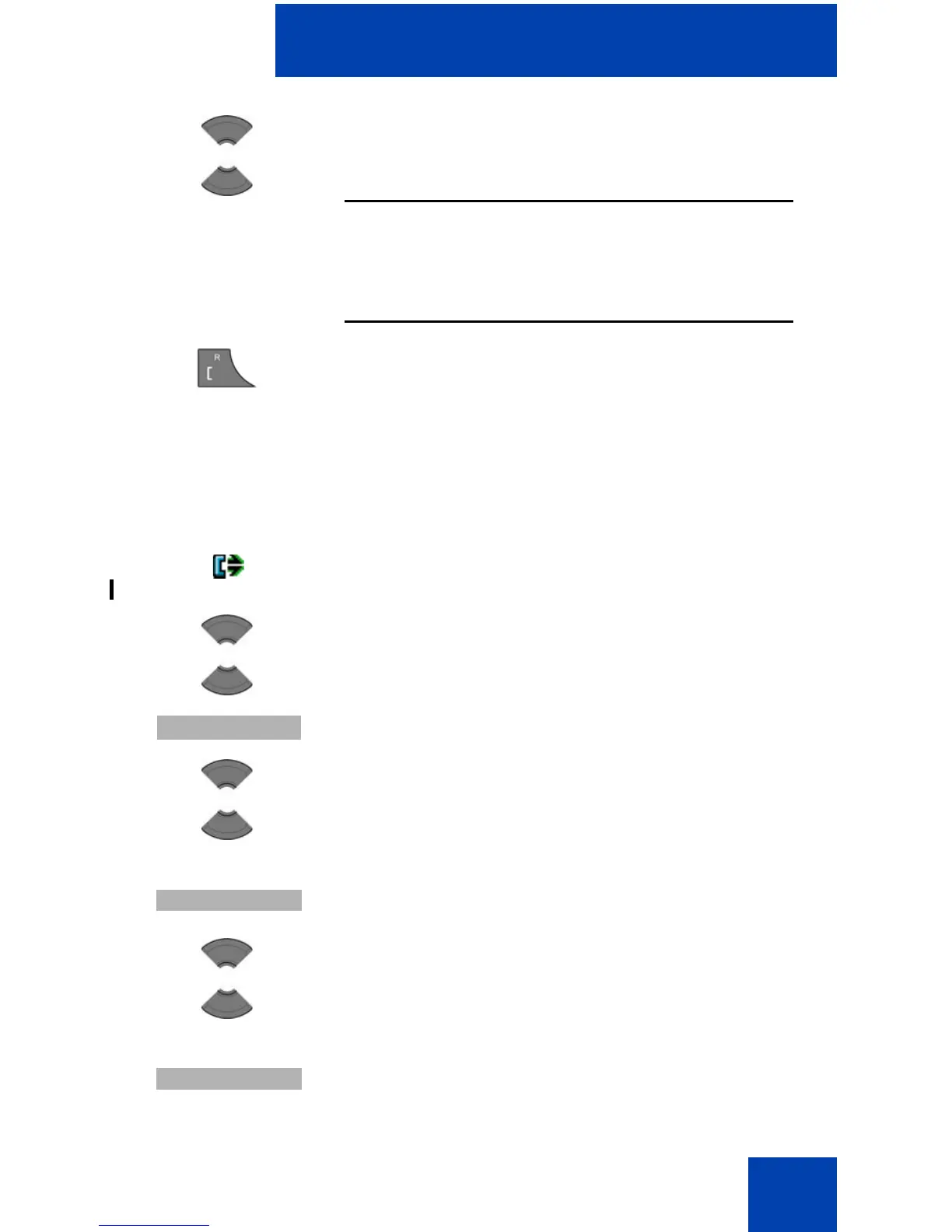
2. Press the Up or Down key to highlight the required
entry.
Attention: If you want to predial from the Dialled
calls list, press the More soft key, press the Up or
Down key to highlight the Edit before call option,
and then press the Select soft key.
3. Press the Call key to dial the number.
1. Open the Dialled calls list using the steps in
“Accessing the Dialled calls list” (page 84).
2. Press the Up or Down key to highlight the required
entry.
3. Press the More soft key.
4. Press the Up or Down key to highlight the Save
option.
5. Press the Select soft key.
6. Press the Up or Down key to highlight the
Contacts option.
7. Press the Select soft key.



 To Next Page