Calendar
143
Copying an appointment
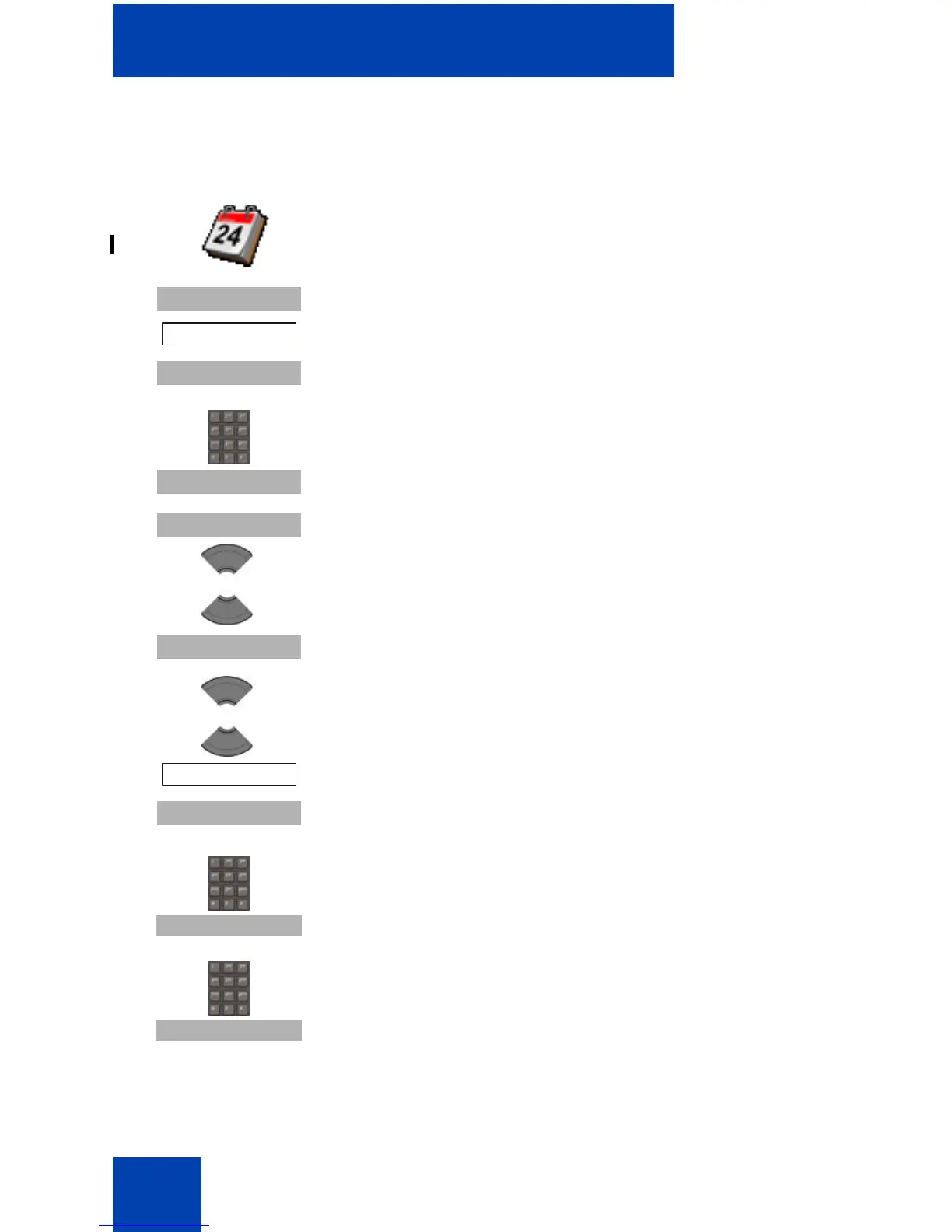
To copy an appointment, perform the following steps:
1. Open the Calendar menu, using the steps in
“Accessing the Calendar” (page 137).
2. Press the More soft key to highlight the Go to date
option
3. Press the Select soft key.
4. Use the Dialpad to enter the date of the
appointment.
5. Press the Select soft key.
6. Press the Select soft key and then press the Up or
Down key to highlight the appointment to copy.
7. Press the More soft key.
8. Press the Up or Down key to highlight the Copy
option.
9. Press the Select soft key
10. Optionally, use the Dialpad to enter the start date
of the new appointment, press the Continue soft
key.
11. Optionally, use the Dialpad to enter the start time
of the new appointment, and press the Continue
soft key.



 To Next Page