Calls list
91
Accessing the Missed calls list
When the message “Number of missed calls: N Show?” appears, you
have missed one or more calls (N is the number of calls you missed).
Note: The message “Number of missed calls: N Show?” indicates
the total number of missed calls, including both new calls and calls
you have already checked in the Missed calls list.
To access the Missed calls list, perform the following steps:
Viewing information about a missed call
To view the information about a missed call, such as time and date,
perform the following steps:
OR
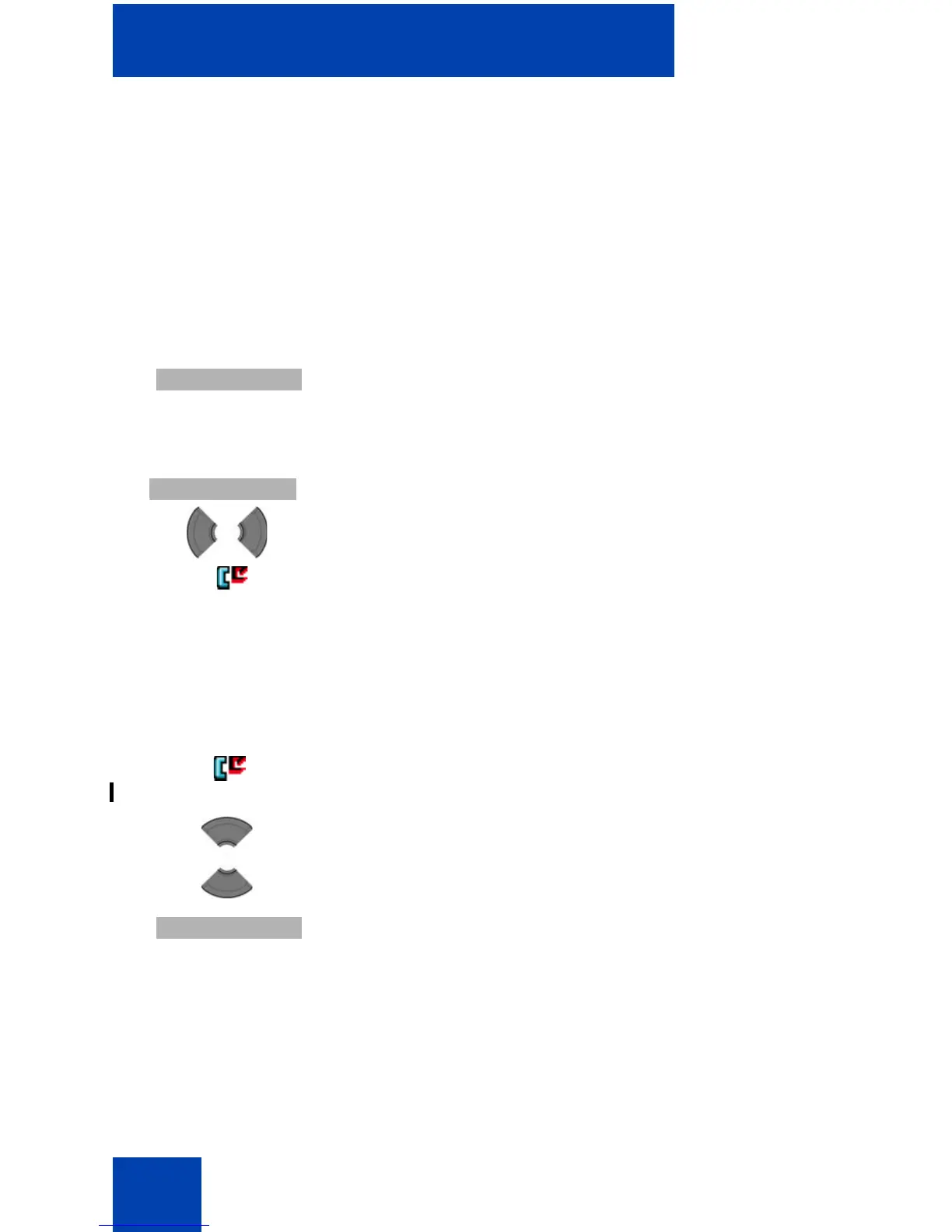
1. When the message “Number of missed calls: N
Show?” appears, perform one of the following:
Press the Yes soft key.
OR
Press the Calls soft key, and then press the Left or
Right key to select the Missed calls list.
The list of missed calls appears.
1. Open the Missed calls list using the steps in
“Accessing the Missed calls list” (page 91).
2. Press the Up or Down key to highlight the required
entry.
3. Press the More soft key.



 To Next Page