Telephone settings
166
•French
• Italian
•Dutch
• Portuguese
•Danish
•Swedish
• Turkish
•Polish
•Greek
• Russian
• Norwegian
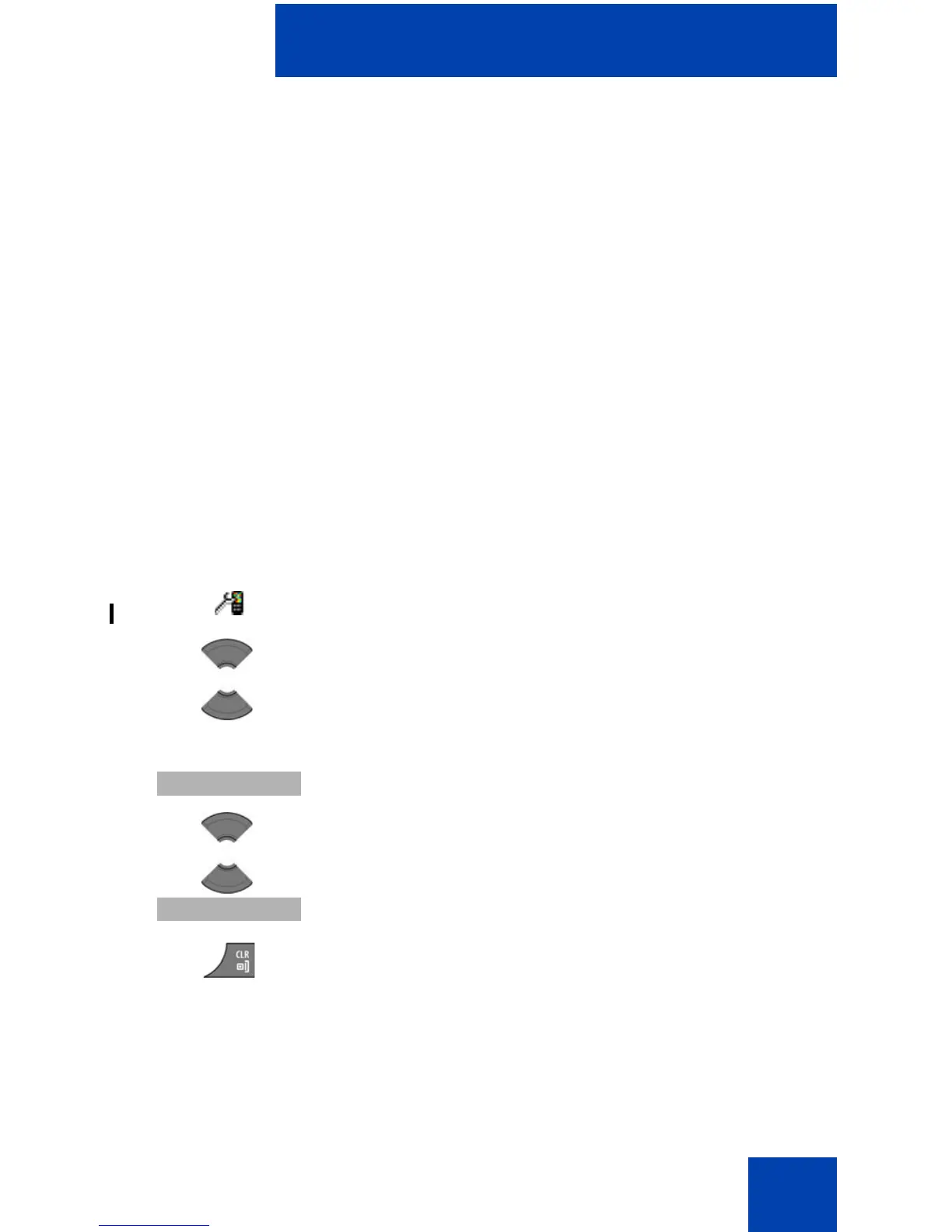
To choose a language, perform the following steps:
Configuring shortcuts
Use the information in this section to assign shortcuts that allow you to
access handset menus or features by pressing a single button.
1. Open the General settings menu using the steps in
“Accessing the General settings menu” (page 159).
2. Press the Up or Down key to highlight the
Language option.
3. Press the Select soft key.
4. Press the Up or Down key to highlight the required
language.
5. Press the Select soft key.
6. Press the Clr key one or more times to return to the
idle display.


 To Next Page