Telephone settings
201
Answer mode configuration
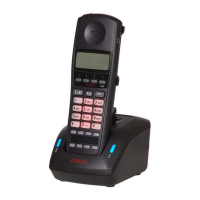
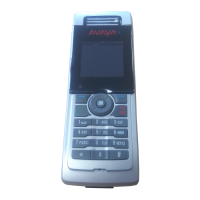
You can configure your handset to handle incoming calls in any of the
following ways:
• Any key answer mode—you can answer with any key
• Autoanswer mode—the handset goes off-hook automatically
• Normal answer mode—answer using the OK or Call key
This section describes the following tasks:
• “Activating Any key Answer mode” (page 201)
• “Activating Auto answer mode” (page 202)
• “Activating Normal answer mode” (page 203)
Activating Any key Answer mode
To activating Any key Answer mode, perform the following steps:
4. Press the Up or Down key to highlight the Call
time option or the Message count option.
Attention: The message count option is available
on the Avaya 4070 and 4075 DECT Handsets only.
The Call time and Message count options reflects
statistics for outgoing calls and messages.
5. Optionally, press the Reset soft key to clear stored
statistics.
6. Press the Yes soft key to confirm the changes.
7. Press the Clr key one or more times to return to the
idle display.
1. Open the Calls menu using the steps in “Accessing
the call settings menu” (page 200).


 To Next Page