Getting started
35
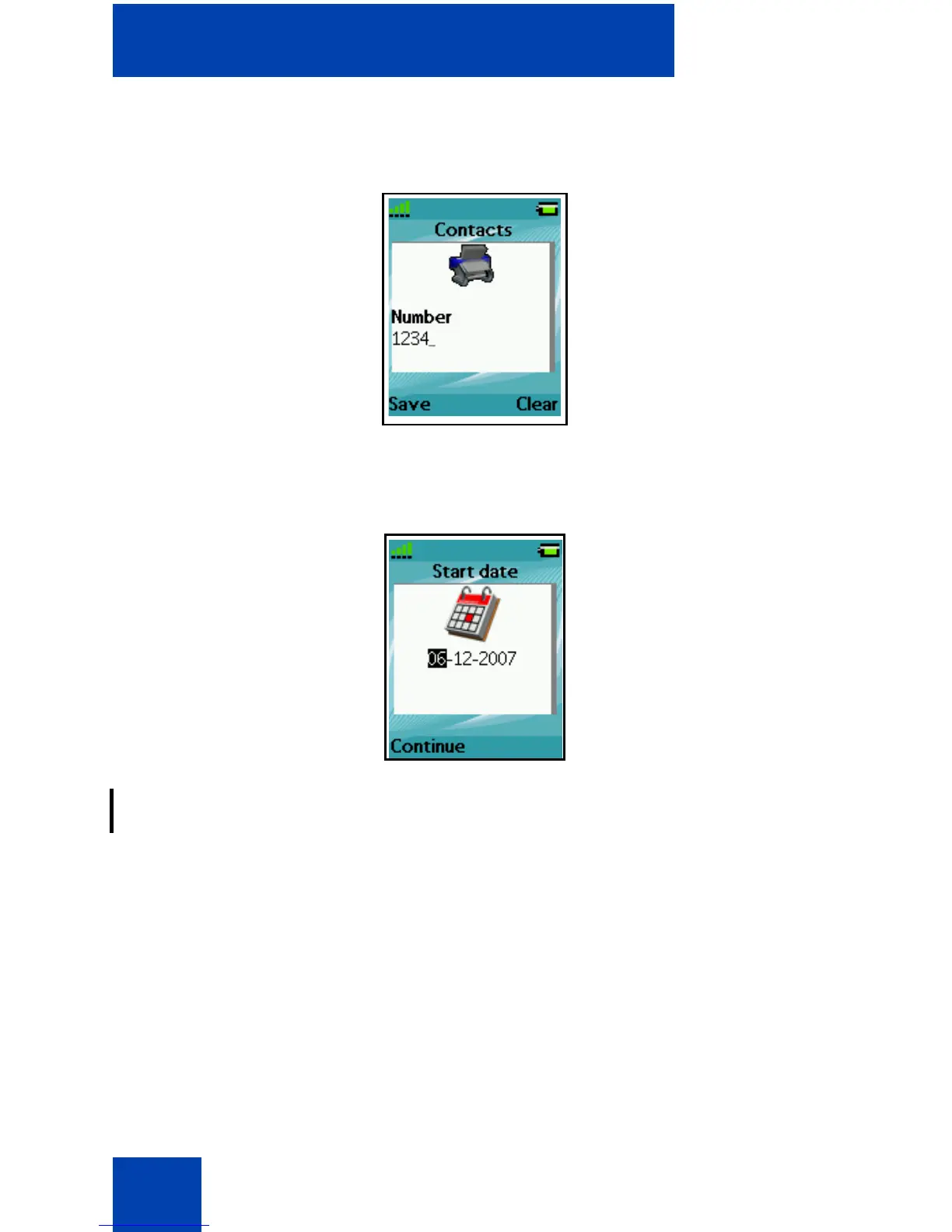
The following figure shows the Contact number editing page.
Figure 11: Contacts number editing page
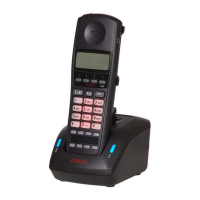
The following figure shows the appointment Start date editing page.
Figure 12: Appointment Start date editing page
For more information about key functions, see “Key functions in Edit
mode” (page 43).
Soft key line
Soft keys appear below the handset dialogue area. The key functions
change automatically according to the operational state of the handset.
For example, when the handset is in idle mode, you can press the Menu
soft key, as shown in Figure 5, to access the Main menu.
LED indicator (4075 only)
An LED indicator appears to the left of the speaker on the Avaya 4075
DECT Handset. This indicator can flash red, green, or orange. Red


 To Next Page