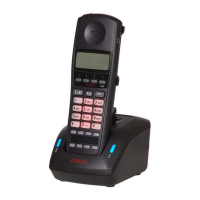
Getting started
40
For more information about Idle mode, see “Idle mode” (page 30).
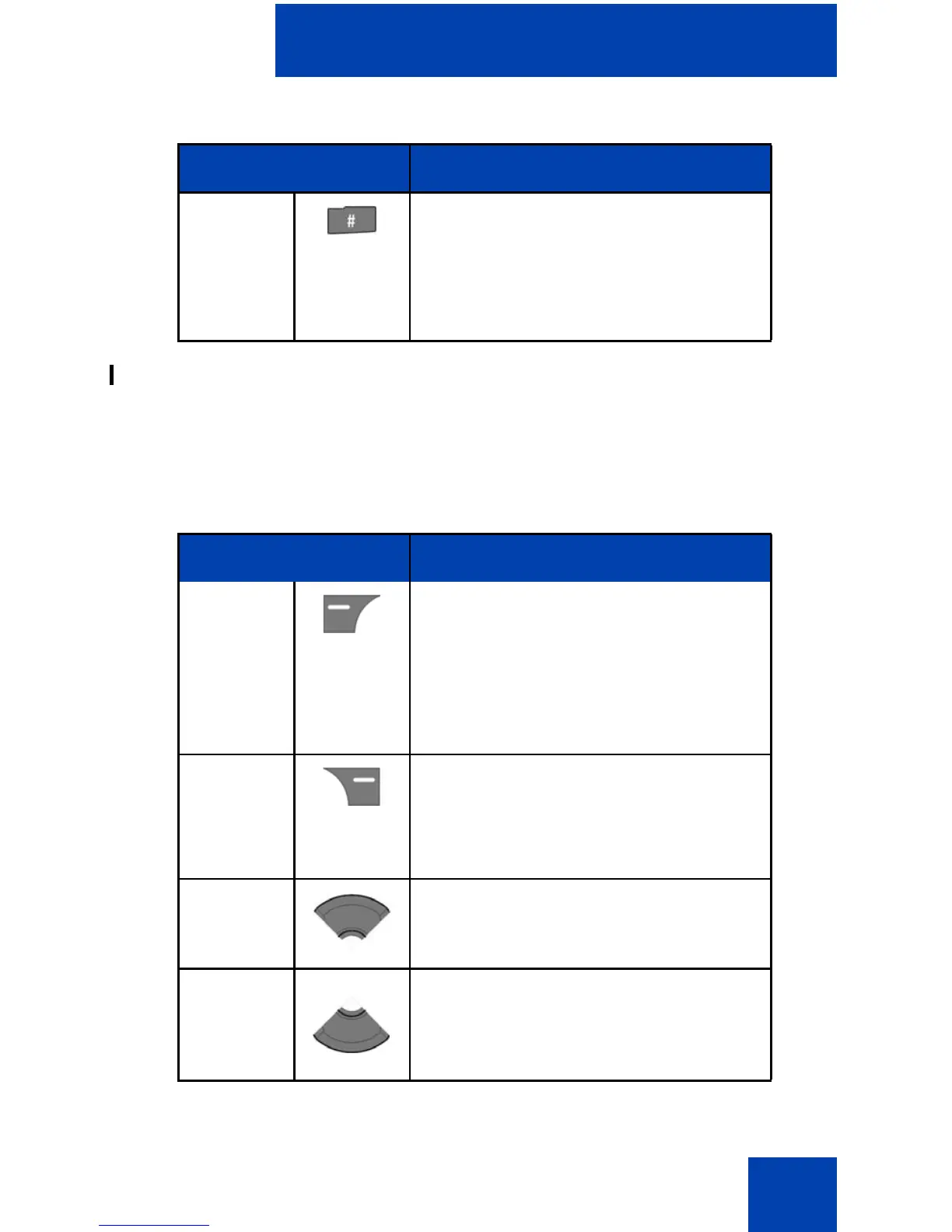
Key functions in Call mode
The following table describes the handset key functions in Call mode.
# • Press the # key to enter predial
mode.
• Long press the # key to switch
between the current active profile
and the Silent profile.
Table 6: Key functions in Call mode
Key Description
Left soft
key
• Press the Spk on or Spk off soft
key to turn the loudspeaker on or
off during a call.
• Press the Silence soft key to
mute the ringer for an incoming
call.
Right soft
key
• Press the Mute soft key to mute
the microphone during a call.
• Press the Reject soft key to reject
an incoming call.
Up key Press the Up navigation key to
access the Contacts menu.
Down key Press the Down navigation key to
access the Central Directory menu
(available only if provided by your
communication system).
Table 5: Keys functions in Idle mode (Continued)
Key Description


 To Next Page