Handset accessories
232
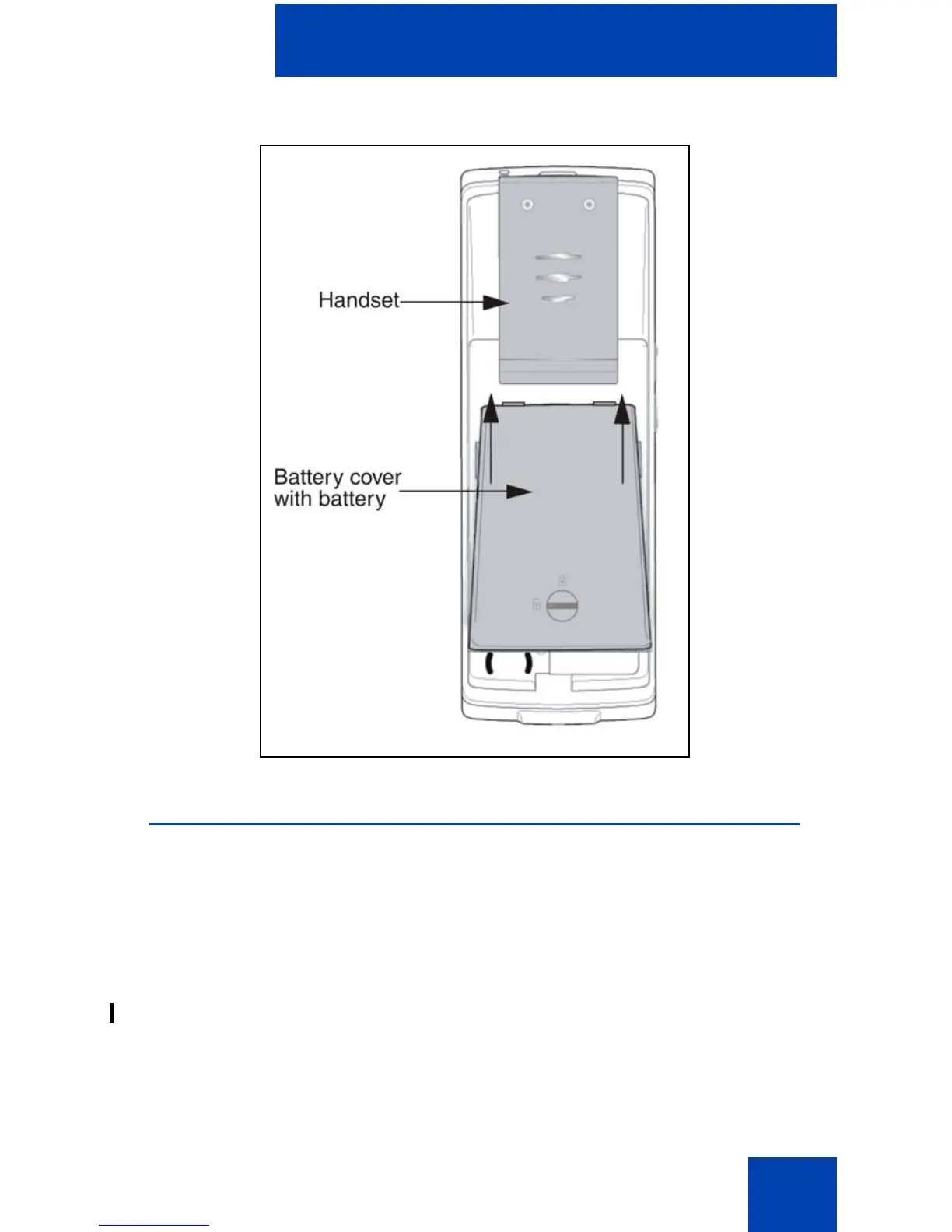
Figure 23: Installing the battery pack
Charging the battery pack (4075 only)
You can charge the battery for your Avaya 4075 DECT Handset without
having the battery installed in the handset.
Use the following steps to charge the battery pack:
1. If the battery pack is installed in the handset, remove it. See
“Removing and installing the battery pack (4075 only)” (page 230) for
more information.
2. Remove the plastic cover that protects the battery charger slot.


 To Next Page