35146AJ
14
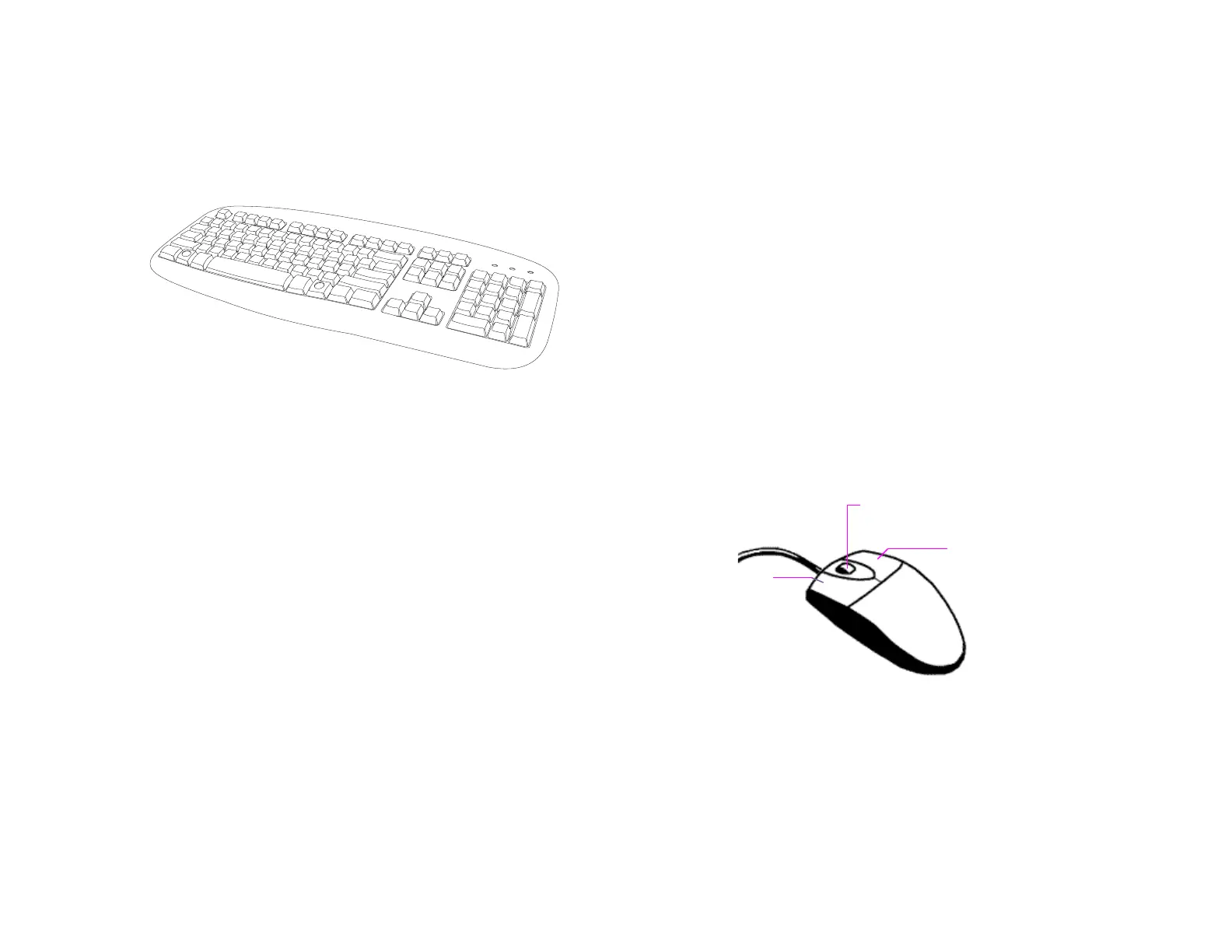
Keyboard Setup
To attach the keyboard, connect the keyboard to a USB port located on
the back of the recorder.
Mouse Setup
To attach the mouse, connect the mouse to a USB port located on the
back of the recorder.
In this manual:
Click means to position the mouse cursor over an item and to single
click the left button.
Right-click means to position the mouse cursor over an item and to
single click the right button.
Double-click means to position the mouse cursor over an item and to
click the left button twice in quick succession.
Select means to position the mouse cursor over a radio button,
checkbox, or list item, and then click on it.
The scroll wheel in between the two buttons is used for added
navigation functionality. By moving the wheel with index finger
(scrolling), quickly move through multiple pages, lines, or windows. The
wheel may also function as a third button allowing the user to quickly
click or double-click an icon or a selected item.


 To Next Page