35146AJ
38
Camera Tile – Individual tile for viewing live video from one camera.
Viewing Pane – Comprised of camera tiles and makes up the viewing
space in the Live Screen
Full Screen – View live video in full screen mode.
PTZ – Enable / Disable control of Pan-Tilt-Zoom (PTZ) functions in live
view.
Stream – Designate the stream quality for cameras in the Viewing
Pane.
View – Drop down selection of Live video viewing options (4:3, 16:9,
original (displays original aspect ratio of all cameras) and stretch
(stretches camera images to fit Camera Tile).
Grid – Designate a screen division (1, 4, 9, or 16) to view live video
from cameras in the viewing pane.
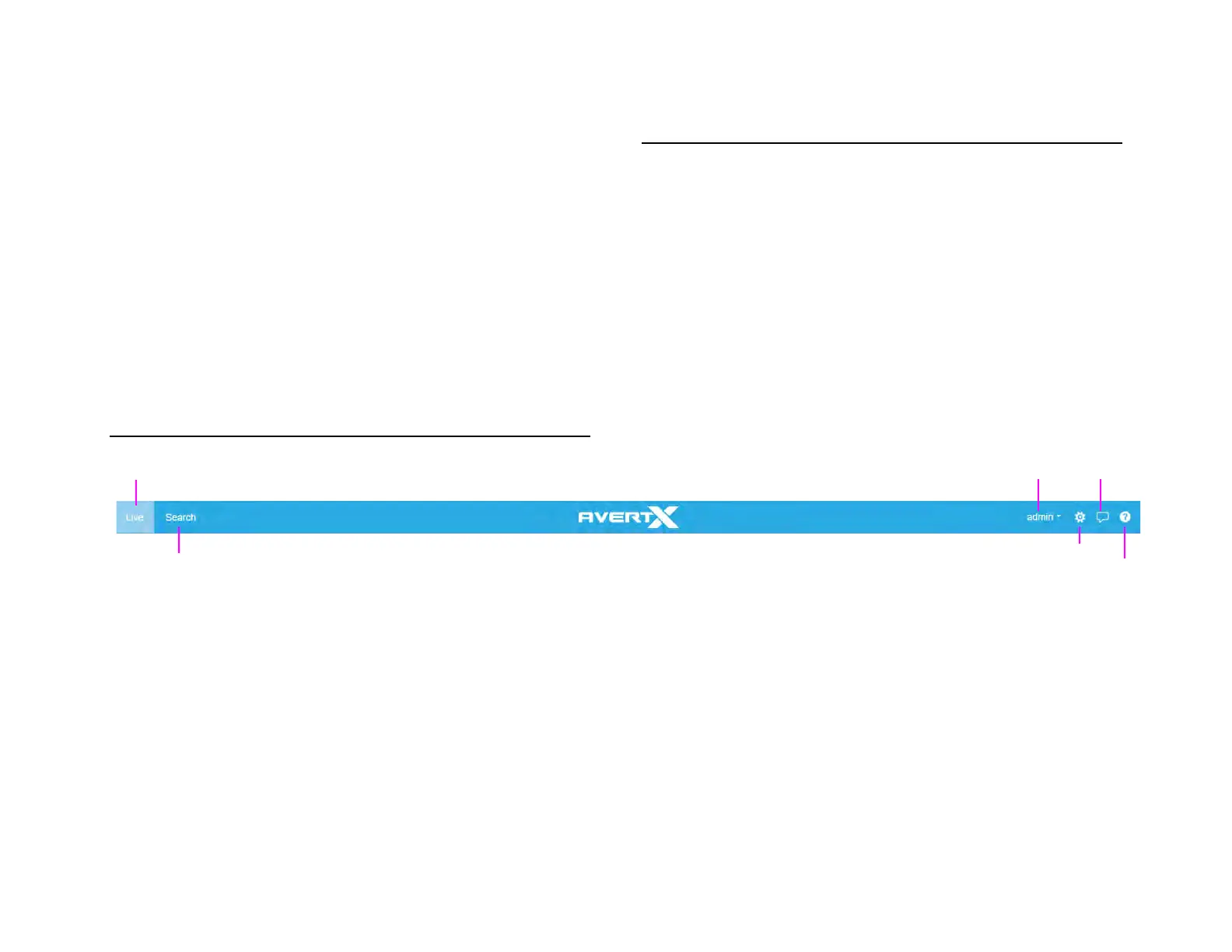
NAVIGATION BAR
RIGHT-CLICK MENU
Right-clicking on a live camera tile while viewing live or recorded video
will display the right-click options menu.
OSD – On-Screen Display (resolution, video format, bit rate, and frame
rate).
Remove Camera – Remove camera from the current Live Screen
viewing pane.
Remove All Cameras – Removes all cameras from the current Live
Screen viewing pane.
Feedback
User


 To Next Page