35146AJ
33
Setting Up an Action for a Previously Created Macro
1. Under Take this action, select the desired schedule under the
Schedule dropdown.
2. Select the action type under the Type dropdown.
3. Select the command for the action under the Command dropdown.
4. Select target object from the Target Object drop down.
5. Select the duration of the action under the Duration dropdown.
6. If an additional action is added they will happen in Order, and can
be dragged and dropped to reorder for priority.
7. Click Save to complete macro setup.
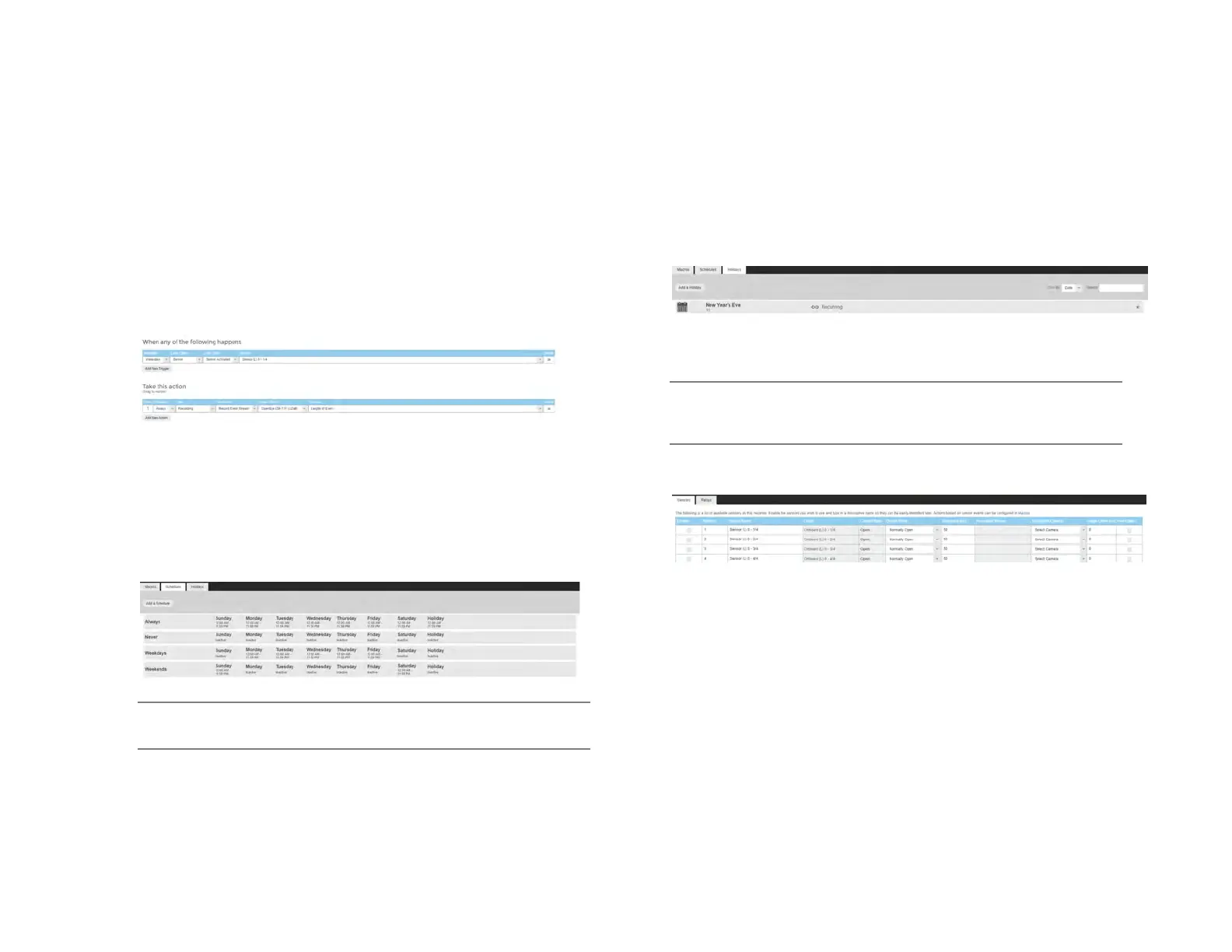
Example image below: when sensor 1 fires during weekdays the event
stream will be recorded for a specific camera the duration of the event.
Schedules
Add a Schedule
1. Click the Add a Schedule button.
2. Type the name of the schedule in the Schedule Name field.
3. Select the Start Time and End Time on the desired days or click
the copy button to copy a time range from a previous day.
4. When finished click Save.
Note Always, Never, Weekdays, and Weekends are default
schedules and cannot be edited.
Holidays
Add a Holiday
1. Click the Add a Holiday button.
2. Type the name of the Holiday in the Name field.
3. Select the Date from the calendar.
4. Type the year of the holiday or leave the setting at 0 for recurring
holiday.
5. Click Save to save the holiday.
Sensor / Relay
Note Refer to the hardware manual for the model of the recorder or
camera for physical installation instructions of sensors and
relays.
Sensors
Enable – Enable or disable a sensor.
Sensor Number – Sensor number associated with the ProConnect
recorder.
Sensor Name – Name of the sensor associated with the ProConnect
recorder.
Sensor Origin – Origin of the sensor being used by the ProConnect
recorded (typically internal to the recorder).
Current State – Current state of the sensor (open or closed).
Default State (NO/NC) – Normally Open or Normally Closed sensor.
Debounce – Debounce time in milliseconds (1000 milliseconds = 1
second) is the duration to ignore repeated contacts.
Associated Macros – Shows any macros associated with a specific
sensor.


 To Next Page