35146AJ
50
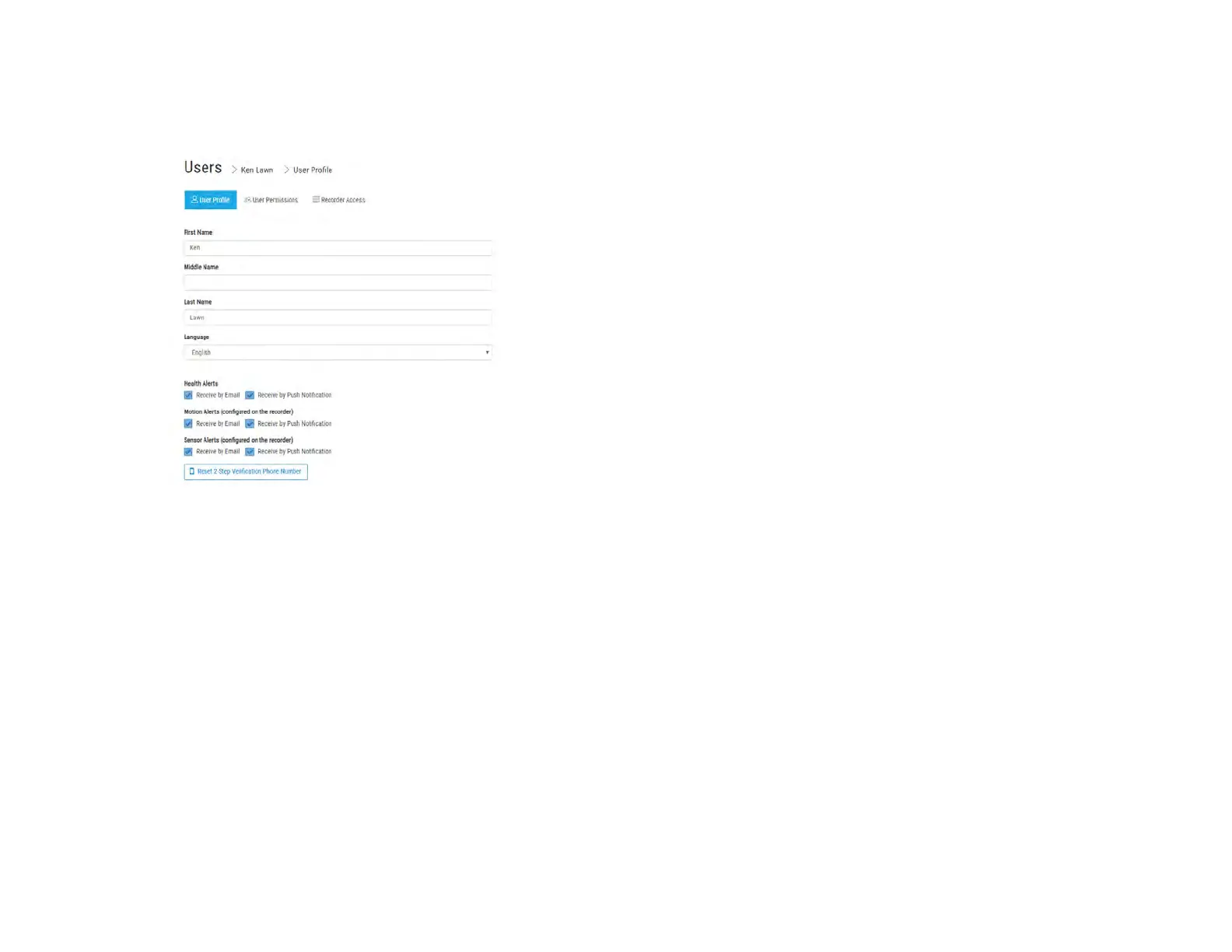
Enable Alerts in AvertX Connect:
1. To enable email or push notification alerts to specific users, go to
connect.avertx.com and Login.
2. Click on Manage Users in the Main Menu.
3. Click on the user you wish to receive alerts.
4. In the User Profile, select Receive by Email or Receive by Push
Notification (or both) for Health, Motion and Sensor Alerts.
5. Click Save to complete. The email address associated with this
account will now receive alerts.


 To Next Page