7 — Appendices
7 - 6 Service Instructions RP-A301CE/RP-A351CE/RP-A355CE
Checks
Blade motor
Carriage motor
Position of
carriage handle
Blade
Plate
Automatic
Possible Push- LED no. Parts to cheek Pos. no.
problems button
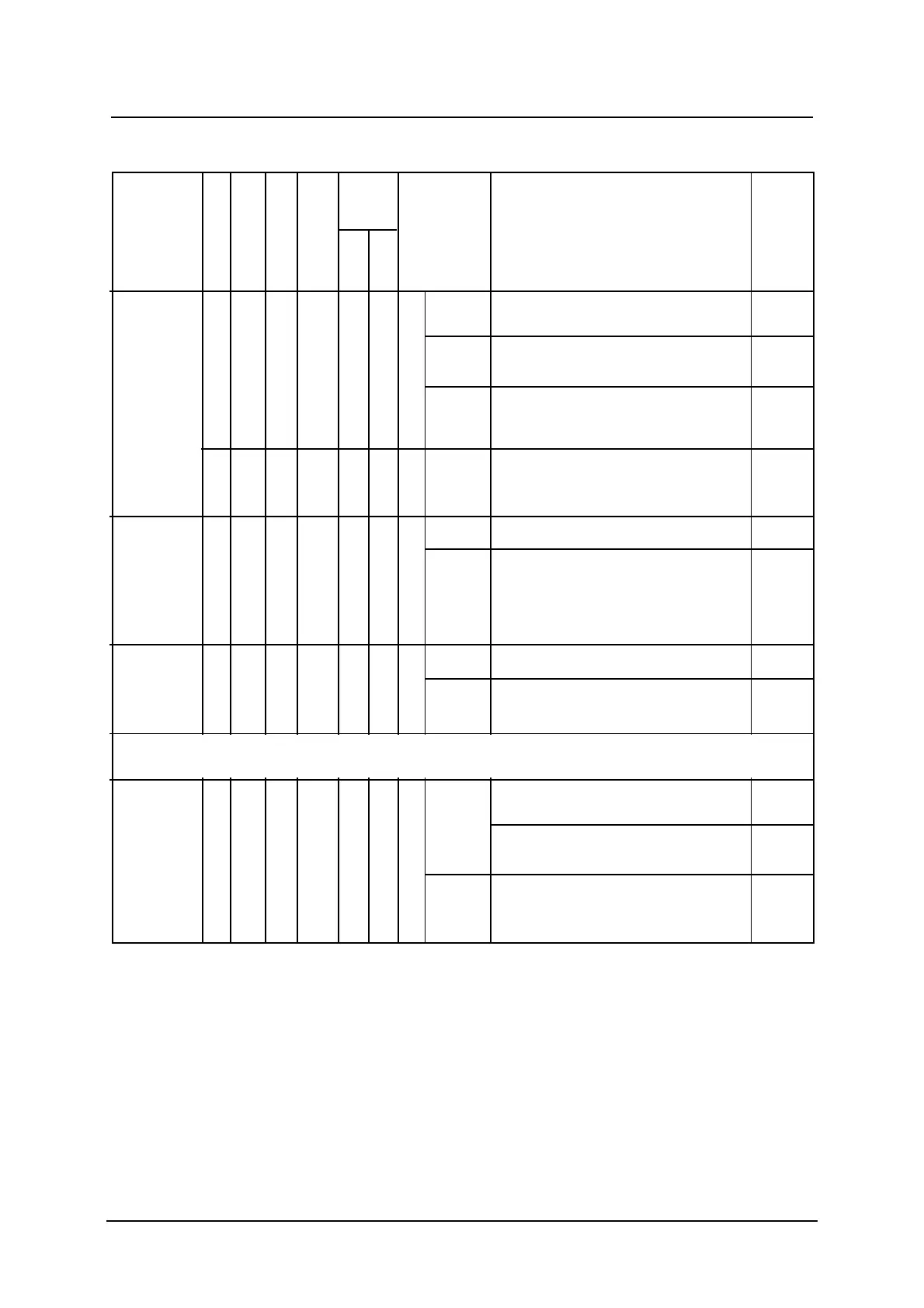
The blade A Off Off 10 Manually slide the carriage to the stroke
rotates the end toward the operator
carriage
goes toward Always Replace limit switches 26
the blade, Off
comes back
and stops On at the Go to checkpoint B
at the end stroke
of its stroke end
B On On 11B Off Replace the printed board circuit 18
Both the A On On 29 7 Off Replace the button “Stop plate” 29
blade and
the carriage On Replace the printed board circuit 18
run, but the
carriage
does not
stop
The blade A On 27 5 Off Replace the button “Stop plate” 27
motor does
not stop On 1st Relay 17
Printed board circuit 18
The A ON ON 7 Off Check the pilot lamp when the slicer
Off counter reaches zero
carriage
does not Replace the whole push-button 37
stop when assembly
the slice
counter On Replace the printed board circuit 18
display is at
zero
If the machine is fitted with optional OPT. no. 3 (Slicer counter), and the problems
are due to the positions N 27-28-29-30-34 replace the printed board circuit l 1602
Automatic
Normal
Automatic



 To Next Page