Classification: Avery Dennison – Public 9
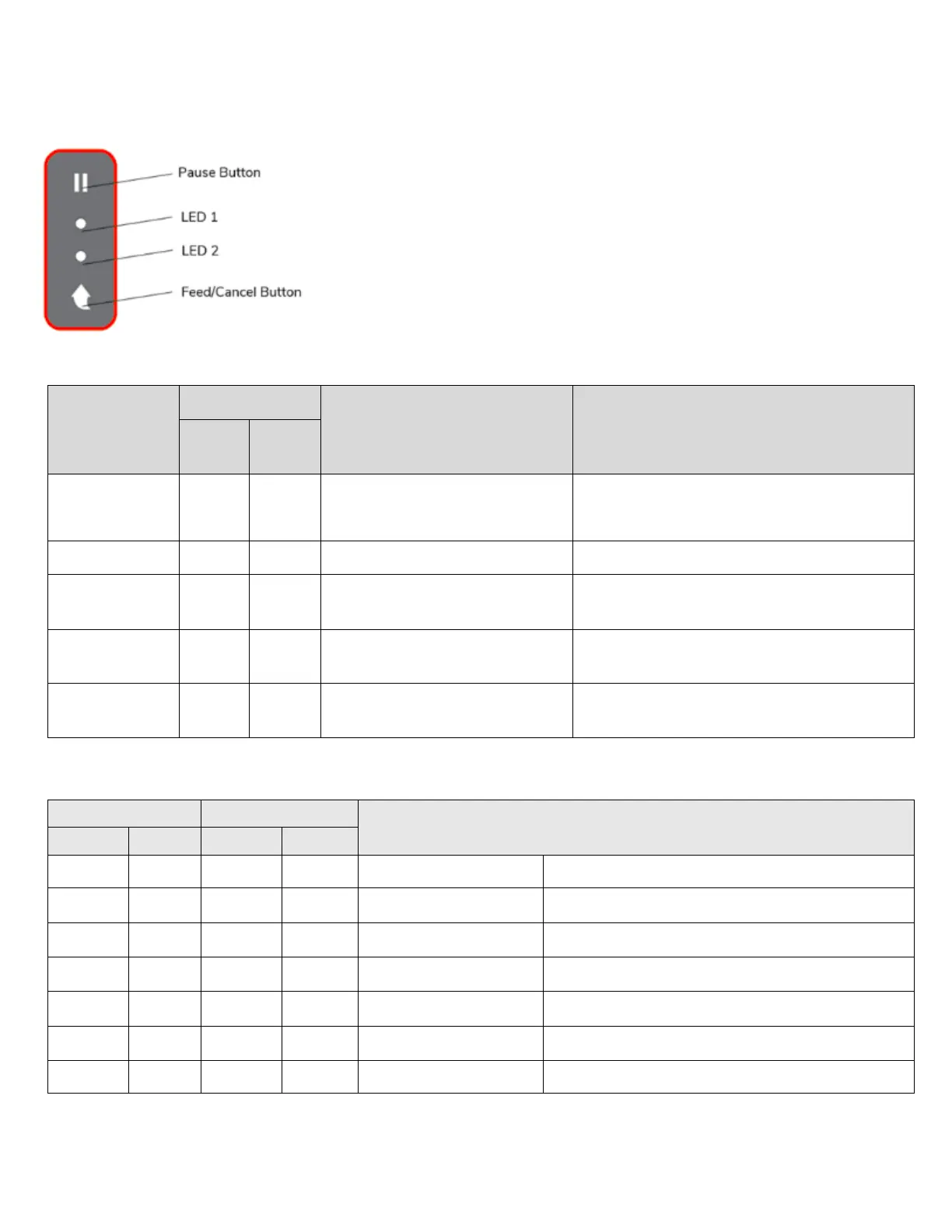
3 Control Panel
The printer’s control panel consists of two buttons and two LEDs.
Button Operations
Printer state
before
operation
Button
Instructions Printer operation mode
Cancel
Pause
Power OFF Press
Hold while turning ON the
printer.
Self-test Printing Mode (prints diagnostic
labels)
Print Standby Press Press and release Feed Mode
Print Standby Press
seconds and continue to hold
Stand-alone configuration Mode
printing
Press
seconds and continue to hold
Print Cancel Mode
printing
Press Press and release Print Pause Mode
About the LEDs
Printer Status
Green On Green On Print standby mode Print standby mode
Red On Orange On Error mode Paper jam (gap/black mark is not sensed)
Red On Green Blink Error mode Printer head overheating
Red On Red Blink Error mode Paper Cover open
Red On Orange Blink Error mode No paper
Red On - Off Error mode Media calibration failure
Red Blink Red Blink Error mode Auto-Cutter error













 To Next Page