Classification: Avery Dennison – Public 5
2 Loading Supplies
Supplies can be loaded for non-peel or peel mode.
Loading for Non-Peel Mode
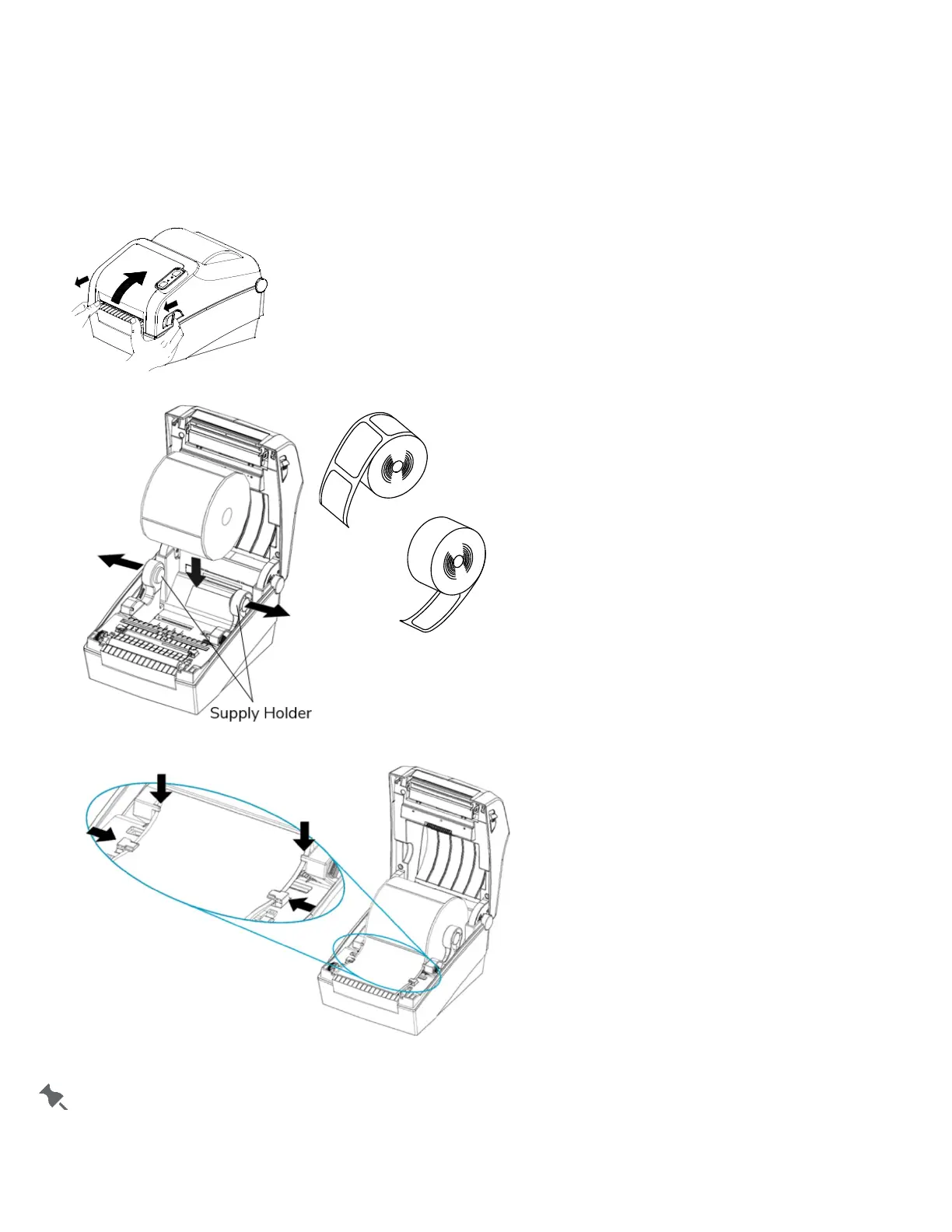
1. Open the Paper Cover.
2. Spread the supply holders and insert the supply roll. Make sure the printing side faces up.
3. Adjust the supply guides to the width of the paper.
4. Close the Paper Cover until it clicks into place.
Set the peel mode switch to OFF for non-peel mode.













 To Next Page