Classification: Avery Dennison – Public 25
6 Maintenance & Cleaning
Print quality can be affected by dust, adhesive, or other materials stuck to the printhead or inside the printer.
CAUTION
♦ Turn off the printer before cleaning.
♦ The printhead can get very hot from printing; turn the printer off and wait 2~3 minutes to allow it to cool.
♦ Do not touch the heated portion of the printhead.
♦ The printhead is susceptible to damage from static electricity; ground yourself before cleaning.
♦ Gently clean the printhead to avoid scratches and/or damage.
Cleaning the Printhead
1. Turn off the printer.
2. Open the paper cover.
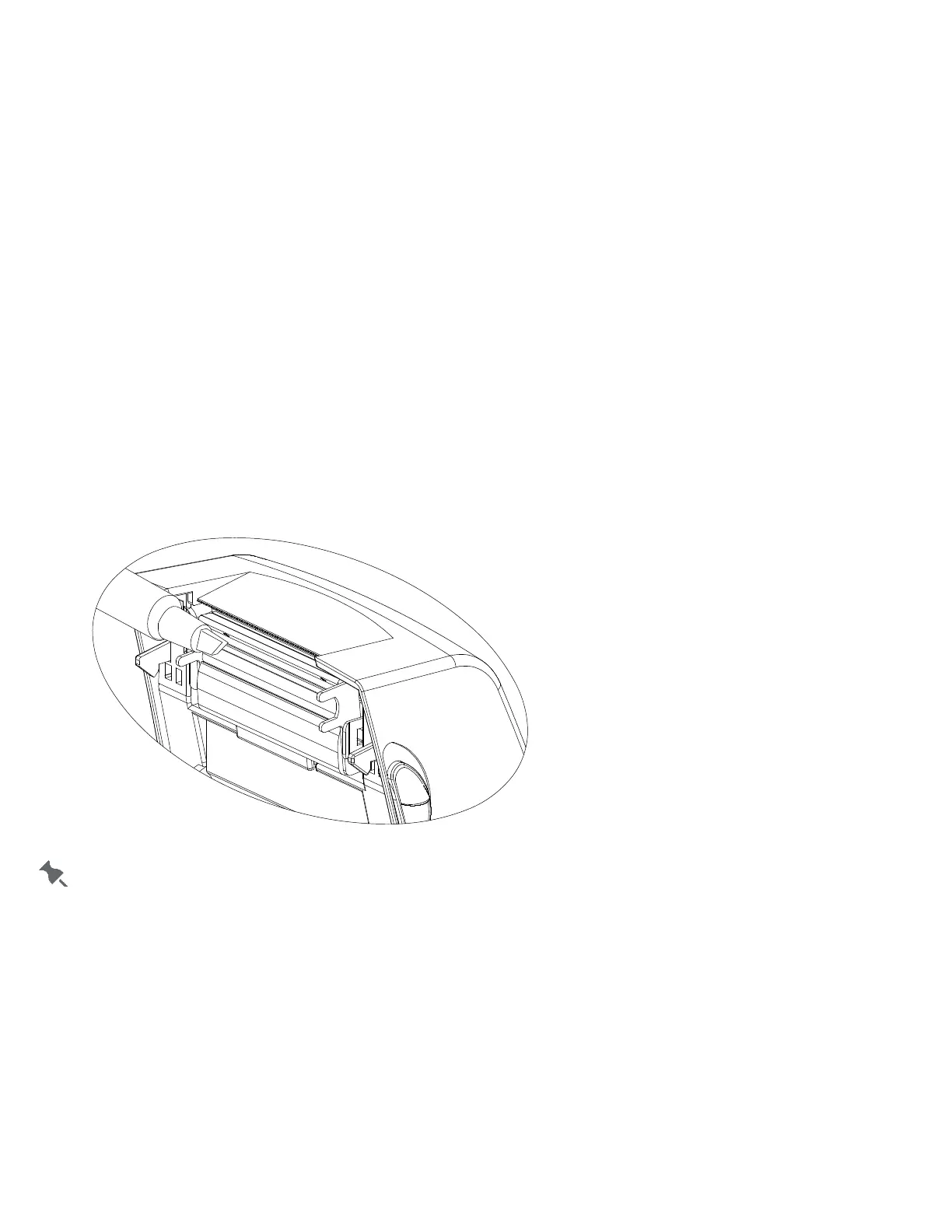
3. Use a cleaning pen to clean the printhead. Wipe the pen from the center of the printhead to the edges.
4. Allow the printhead to dry completely (1~2 minutes) before use.
5. Close the cover.
We recommend cleaning the printhead after each roll of supply.













 To Next Page